Give the good moments a place on screen.
Put follow, sub, cheer, raid and other alerts on your overlays, choose what plays each one, and test it before you go live.
Build your alerts and overlays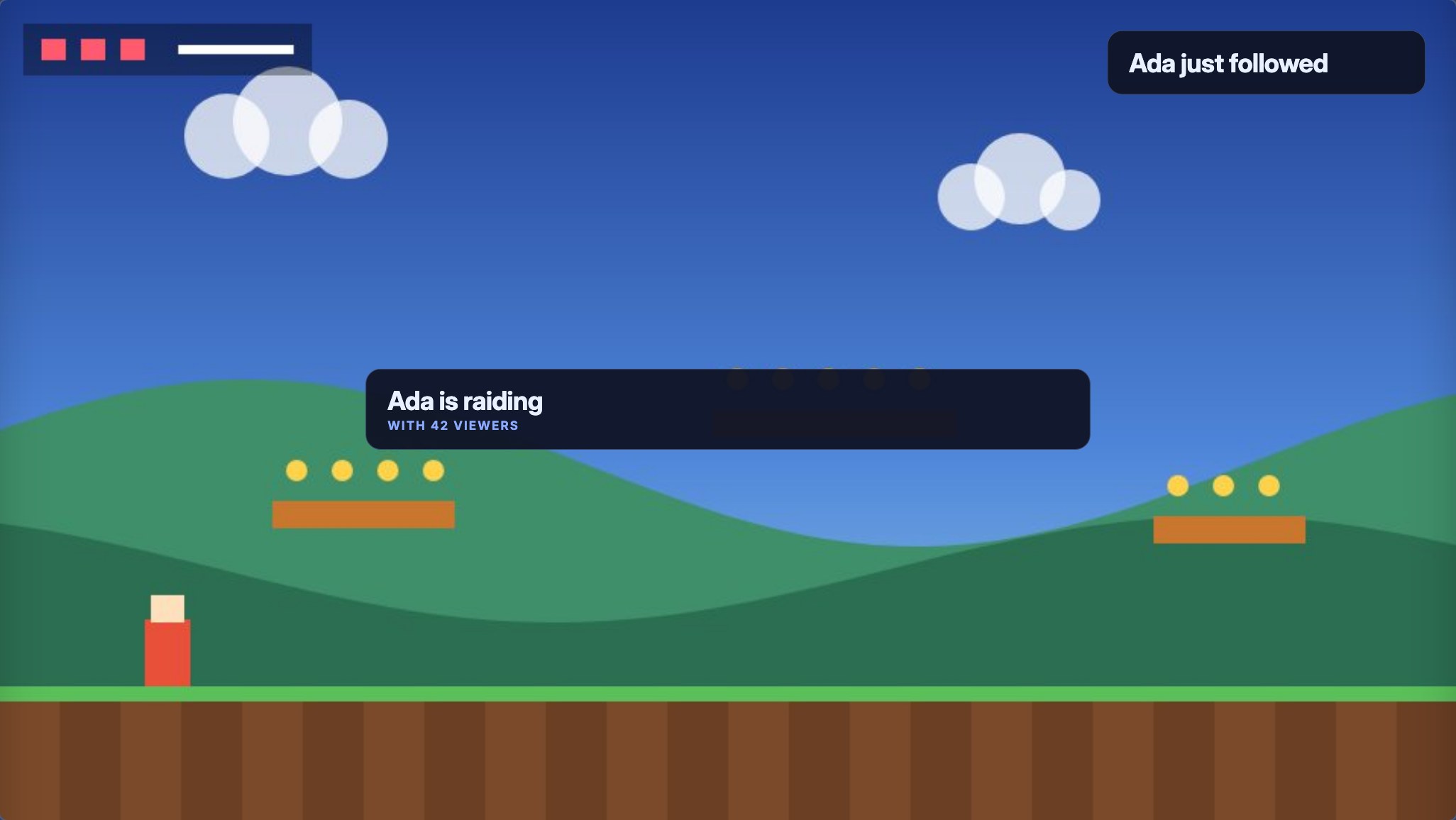

Welcome the raid. Reward the regulars.
Keep the moment.
Bloopbot is a Twitch and Kick chat bot where every command, alert and timer is a visual flow you draw in your browser.
On your phone? Sign up now. Pebble sets up your bot with you on your computer in about five minutes.
Free to start. Nothing to install.
Press play to see what happens.
Try a different moment. These demos use sample events.
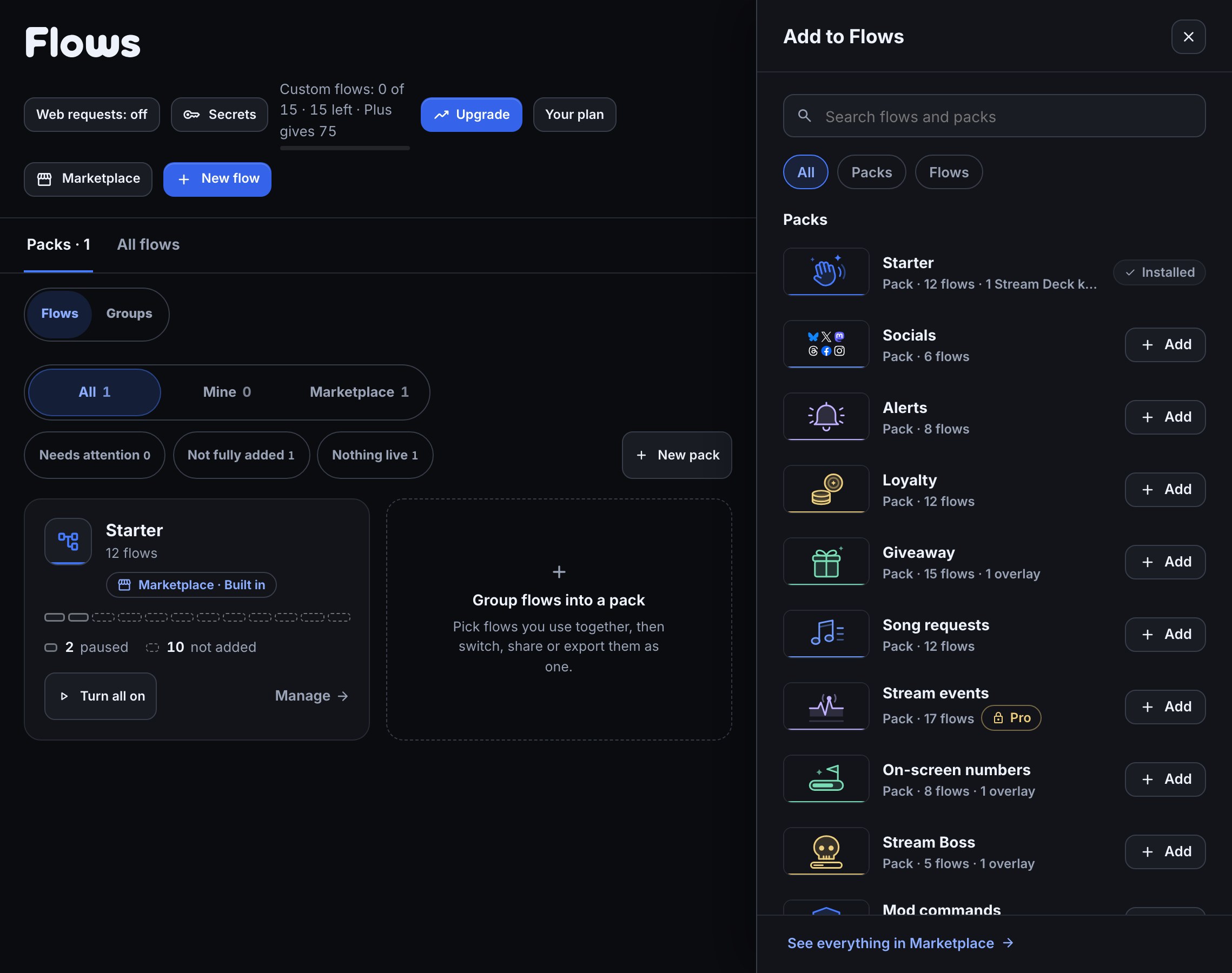
Choose a ready-made pack for alerts, moderation, music or community. Add the flows you want, change the basics, and make them yours.
Start on Free. Compare plans when you need more.
Featured in the Marketplace
Picks from the Bloopbot team. Open an item to see what it brings, then make it part of your channel.
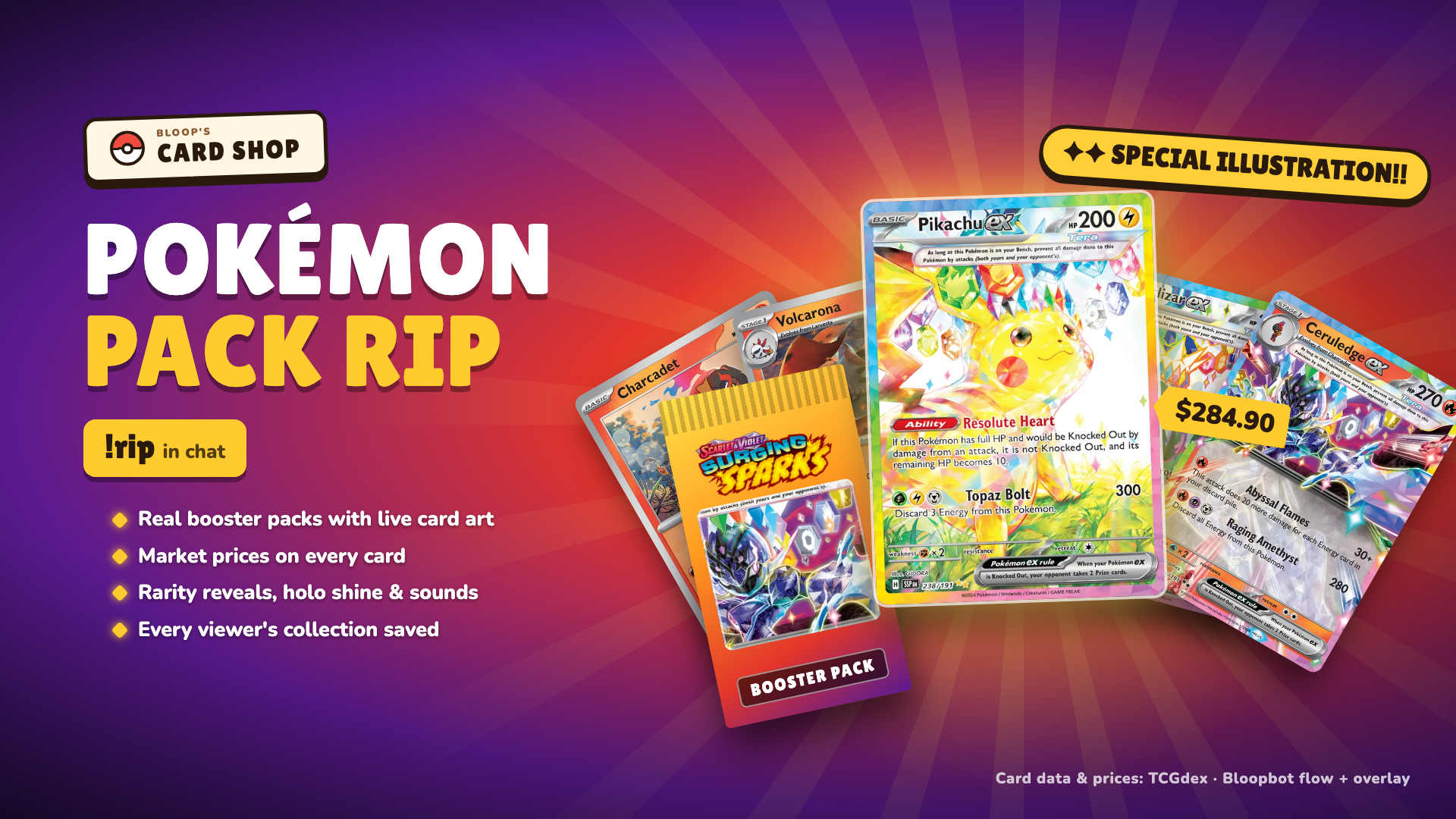
!rip opens a real 10-card Pokémon TCG booster on stream: live card art and prices (TCGdex), rarity reveals with sounds, no duplicates, and e
2 flows · 1 overlay2 channelsDetails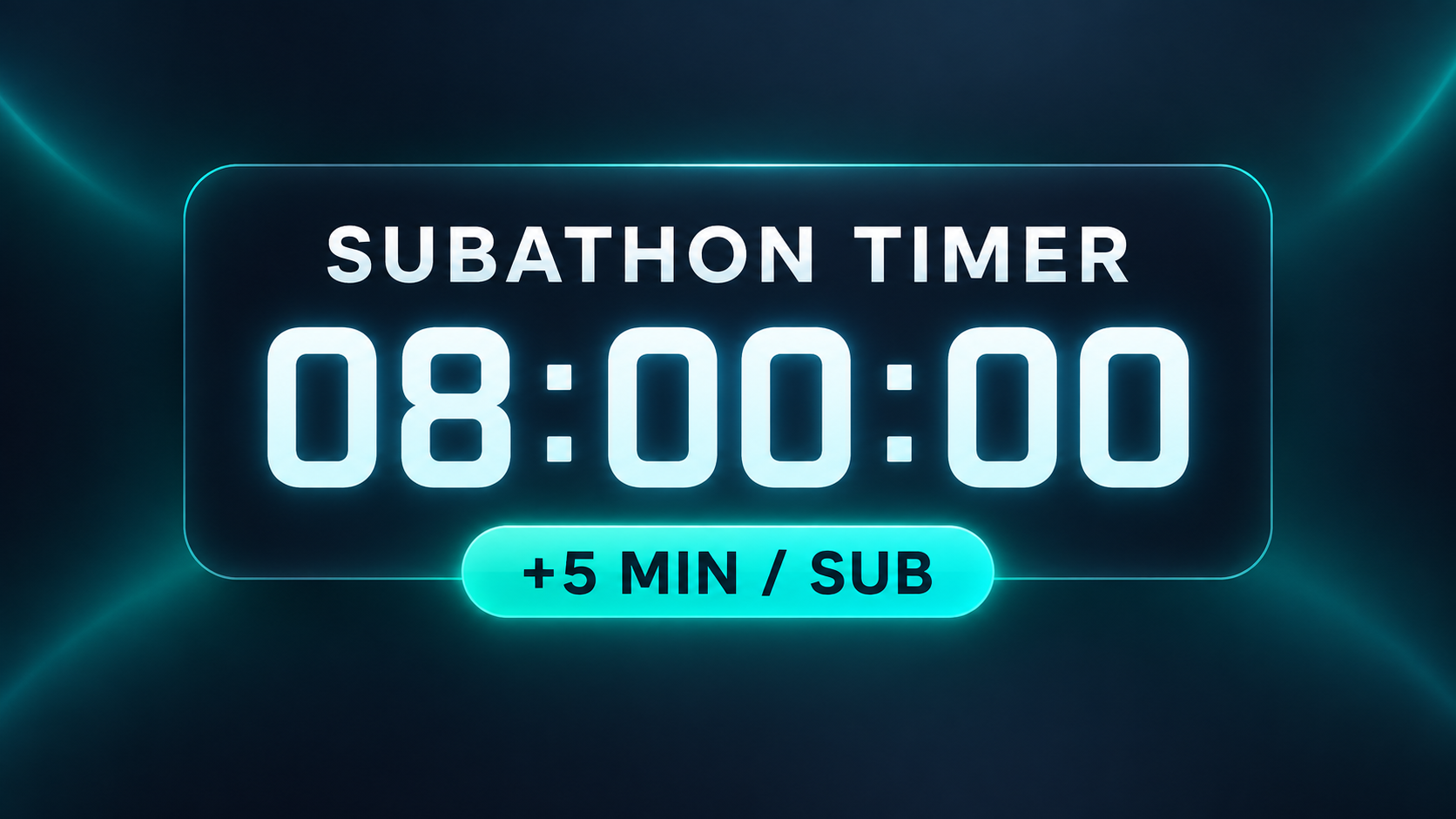
A simple subathon timer overlay with flows that add 5 minutes per new sub, shared resub, or gifted sub.
3 flows · 1 overlay1 channelDetails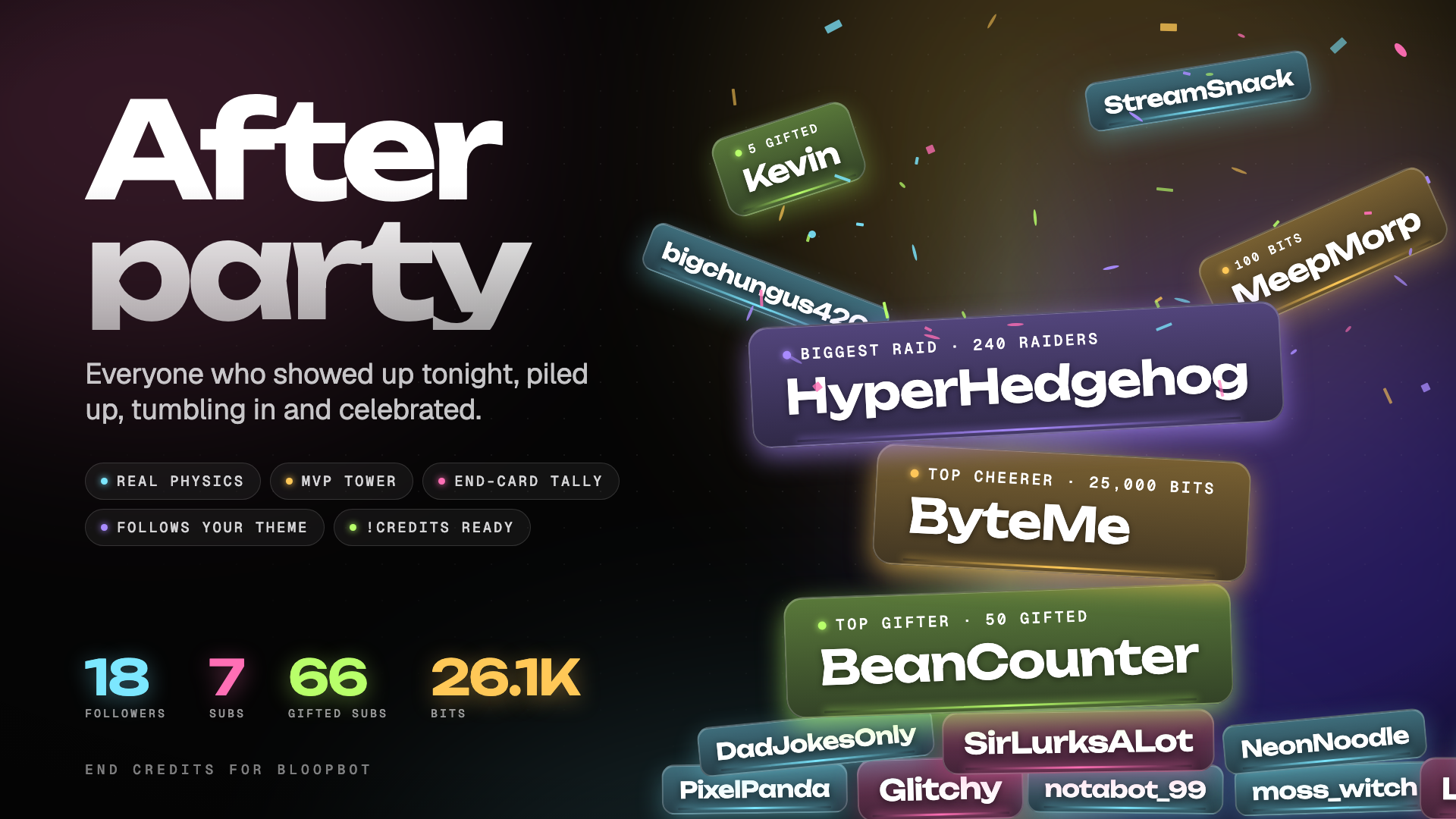
Physics end credits: tonight's supporters tumble in, pile up and get an MVP tower, then a big end-card tally.
1 overlayDetailsA trigger starts it. An action answers it. Connect the two, and you have a flow.
Make your first command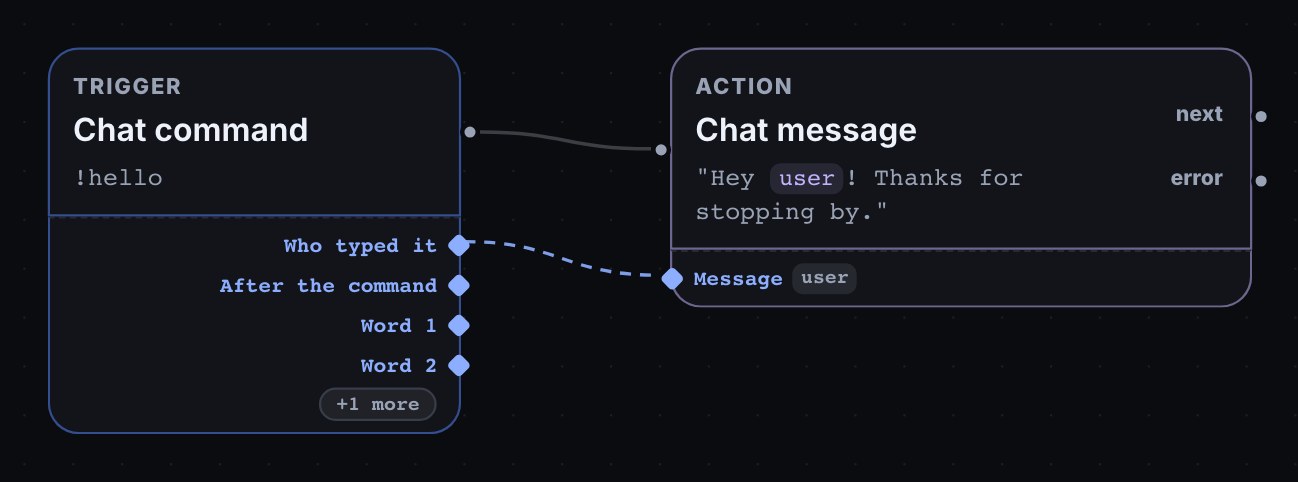
Someone types a command. Your bot makes a clip and posts the link.
Moderators and the broadcaster get a clip. Everyone else gets a friendly reply.
From the first hello to the last song request, make the stream feel like your stream.
Put follow, sub, cheer, raid and other alerts on your overlays, choose what plays each one, and test it before you go live.
Build your alerts and overlaysChat requests songs through your own Spotify, and OBS shows what is playing and who asked for it.
Set up song requests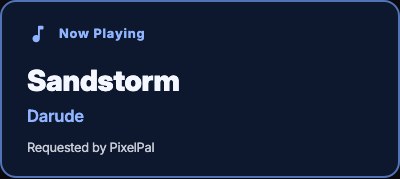
Let chat enter with a keyword, then draw a winner and put it on stream.
Run your first giveaway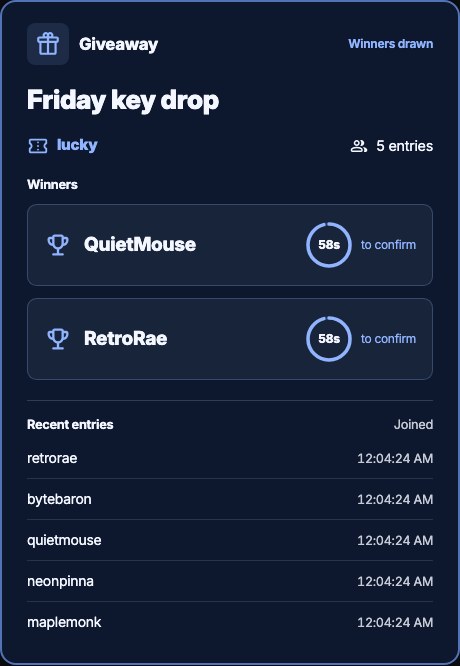
Five gifted subs. Five viewers rewarded. Give each recipient 500 loyalty points, then open one giveaway for chat.
Welcome the crowd, shout out the raider, and bookmark the moment in your VOD.
Your flows run on Bloopbot’s servers, so commands and moderation filters keep answering chat even when your PC is off. You build them in any browser.
See how your flows run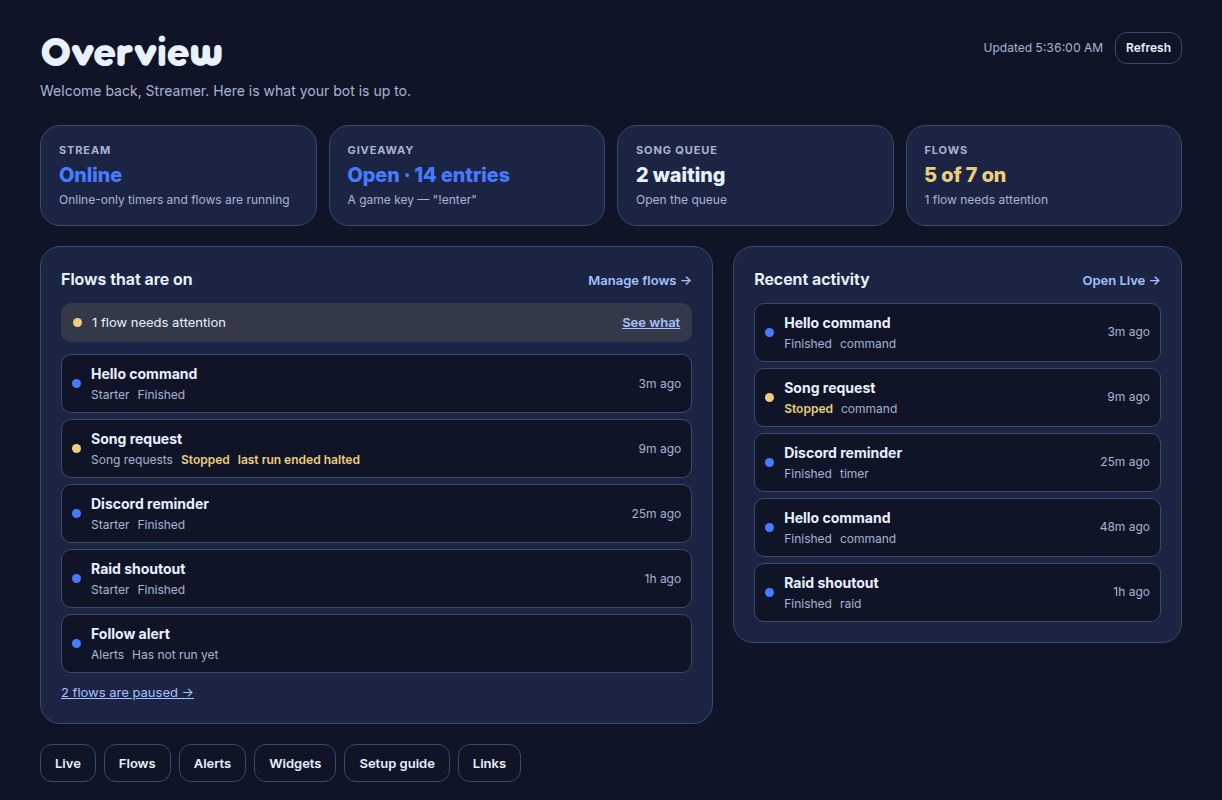
An AI step checks a viewer’s typed-in text before it goes on stream. AI steps may not be available on your channel yet.
See text screeningComing from Nightbot or StreamElements? Bring your public commands into Bloopbot as flows. Keep familiar variables and counters, then choose which commands go live. Your old bot stays as it is.
$(user), $(query) and the rest stay as they are.!deaths counter at 37 carries on from 37.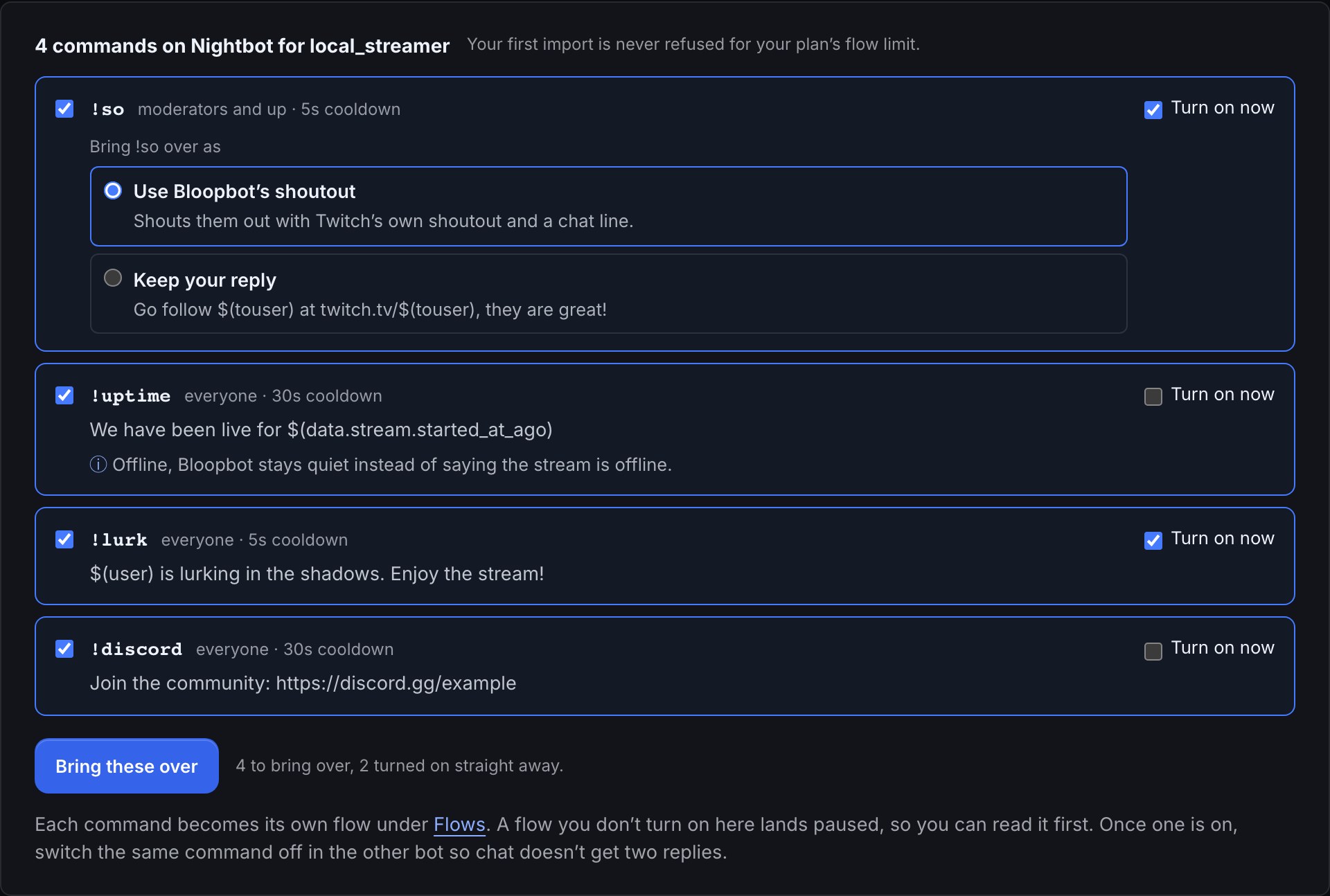
You can start with a simple command or a ready-made flow, and edit the basics as a form. Open the canvas when you want to connect more steps, add conditions or repeat an action for each viewer.
Sign in with Twitch or Kick to link your channel and open your dashboard, where Pebble, Bloopbot’s robot, offers to put your first alert on stream with you. For moderation on Twitch, make your bot a moderator in your chat with /mod your_bot_username — your dashboard shows the account name for your channel. Then choose a starting flow and make it yours.
Yes. Sign in with Kick to make a Kick channel, or add Kick to your Twitch channel so both chats run the same flows. Kick commands, follows, subs, gifted subs and KICKs start your flows, and moderation filters, channel rewards and loyalty points work in Kick chat. Raids, shoutouts, clips, polls and predictions stay on Twitch. Use Bloopbot on Kick lists what works where.
Yes. Add a hosted widget URL as a Browser Source in OBS. Flows can send alerts and update the variables your widgets display, so your chat and on-screen moments can work together.
Link Spotify from your dashboard to let chat request songs with !sr. Song requests need Spotify Premium and an active playback device. You can set queue limits, cooldowns and blocks.
Free to start. Plus and Pro add more flows, editors and AI features. Compare the plans.
Start with the guides; Fix a flow or connection covers the common problems. To ask a person, join the Bloopbot Discord and start a post in #help. It’s also where people share their flows and pitch ideas for Build Night.
Sign in with Twitch or Kick, choose a starting flow, and make something that feels like you.
Free to start. Choose a paid plan when you need more.
Your stream. Your rules.
Pebble’s got your back.