Your StreamElements commands, now as flows
Bloopbot reads your public StreamElements command list and turns each command into a flow, with its permissions and cooldowns. You don’t sign in to StreamElements, and nothing changes there.
New channels can’t join yet. Already using Bloopbot? Sign in.

Where each StreamElements feature lives
Commands come across for you. The rest maps onto something you set up once in Bloopbot. Song requests, hosted overlays and AI moderation may not be available on your channel yet.
| StreamElements | Bloopbot | |
|---|---|---|
| Custom commands | Custom commands | A flow with a Chat command trigger, imported for you |
| Permissions and cooldowns | Set on each command | Who can trigger, Has a role and Cooldown checks, imported for you |
| Command variables | Command variables | $(user), $(1) and a counter variable |
| Timers | Timers | A flow with an On a timer trigger |
| Spam filters | Spam filters | The filters on Moderation, plus an optional AI moderation step |
| Loyalty points | Points and the Stream Store | Bloopbot loyalty, with its own balances; points don’t carry over |
| Overlays and alerts | Overlays and alerts | Hosted overlays with alert layers, each added to OBS as a Browser Source |
| Song requests | YouTube media requests | Spotify song requests through your own Spotify account |
| Tips | SEPay tipping | Not part of Bloopbot |
| Platforms | Twitch, YouTube and Kick | Twitch |
Checked September 2026 against StreamElements.
How the switch works
Razer acquired StreamElements’ assets in July 2026, and SEPay tipping is closing, with balances withdrawable until 31 December 2026. You can keep StreamElements running while you try Bloopbot, and move one command at a time.
- Sign in with Twitch, then make the bot a moderator in your chat with the
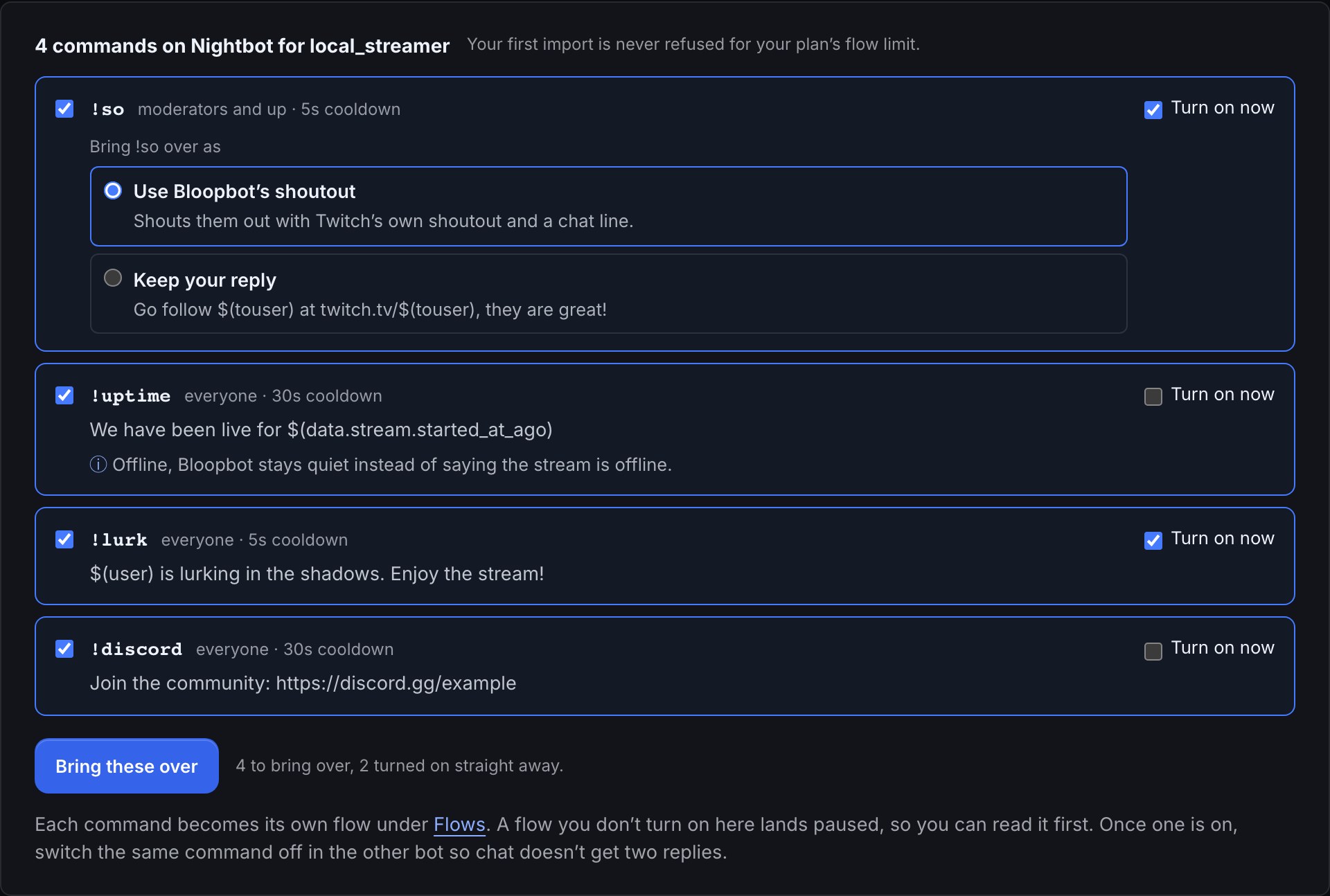
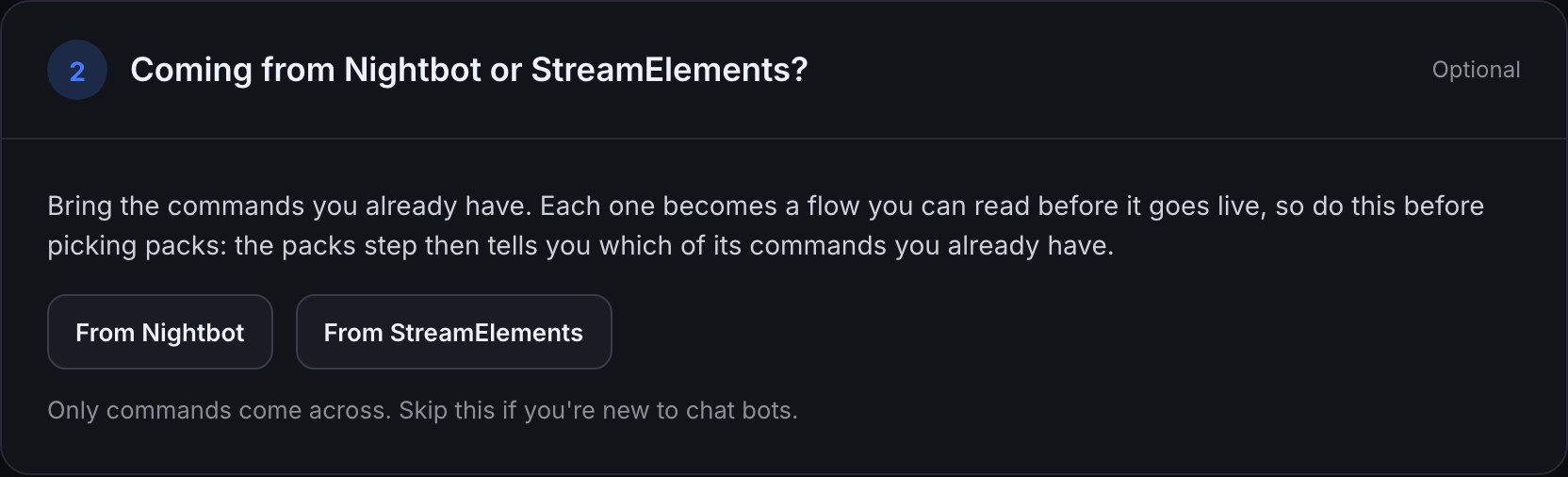
/modcommand the Setup guide shows you. - Open the importer from step 2 of the Setup guide. Untick anything you don’t want, and tick Turn on now for commands that should answer straight away.
- Open a command on the canvas to add a check, a counter or an alert.
- When a Bloopbot flow does the same job, switch the StreamElements command off, so chat never gets two replies.
What the importer brings over
- No StreamElements sign-in. Bloopbot reads the command list StreamElements already shows publicly.
- Each command arrives as its own flow called
!command (from StreamElements), with its aliases, its permission level and its cooldowns. ${user},${touser}and${1}to${9}become their$(…)equivalents, and${count}becomes a counter variable.- A row Bloopbot can’t finish for you, such as one with a ${random.pick} token, arrives paused, with Turn on now greyed out.
- Timers, spam filters, quotes and loyalty points don’t come across. The guide shows how to rebuild each one.
When StreamElements is the better fit
StreamElements is a free toolkit with overlays, alerts, a chatbot and loyalty points in one place, on Twitch, YouTube and Kick. If you stream to YouTube or Kick as well as Twitch, StreamElements covers them and Bloopbot doesn’t.
Bring your commands over.
Sign in with Twitch and open step 2 of the Setup guide.
New channels can’t join yet. Already using Bloopbot? Sign in.