
Twitch chat games played on stream
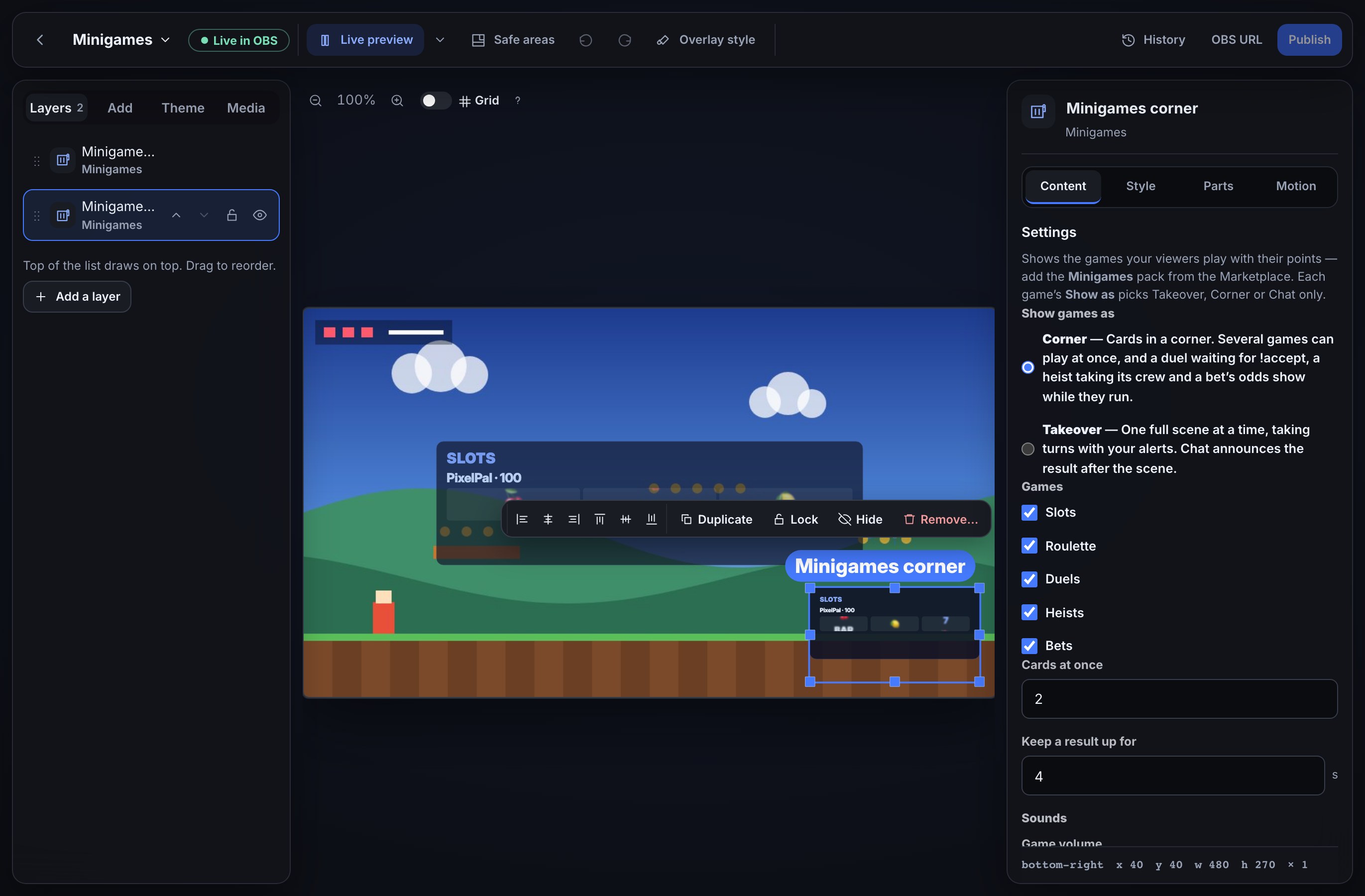
Viewers spend the loyalty points they earn by watching on !slots, !roulette and !duel, a !heist the whole chat can join, and bets your moderators open. Every game plays out on your overlay, as a card in the corner or a full-screen scene, and chat hears the result once the animation lands.
Five games, one pack
| Command | The game |
|---|---|
!slots 100 | Three reels; a jackpot, bars, cherries or a pair pays out |
!roulette red 50 | Bet on red, black, odd, even or a number from 0 to 36 |
!duel @name 100 | Challenge a viewer; they !accept and the winner takes both stakes |
!heist 200 | Chat joins a crew, then the vault opens or the alarm goes off |
!bets | Your moderators open a bet, chat picks a side, and winners share the pot |
Viewers type !minigames for the full list with examples. Each game takes the points it's played for, decides a result nobody can predict, and pays a win straight back to the viewer's balance.
Played out on stream
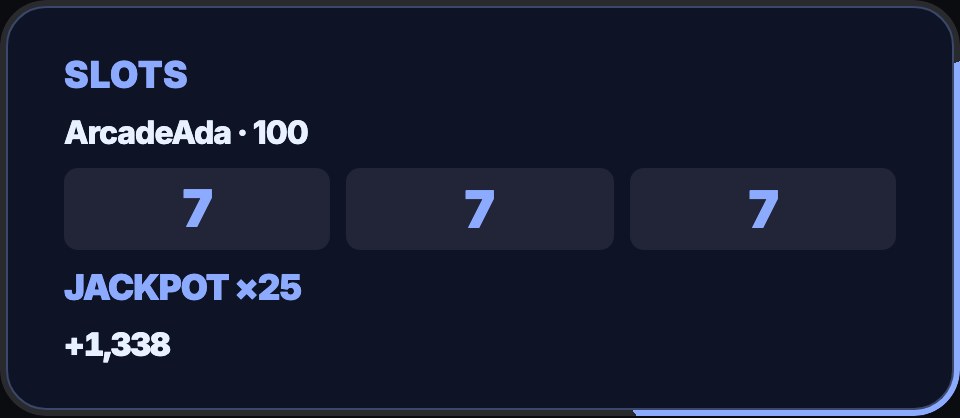
A Minigames layer on your overlay shows each game: a slot cabinet spinning, the roulette ball landing, a duel or a heist in the corner or, if you choose, across the whole screen, and an open bet's odds while it runs. Each moment has its own sound, and the cards take your overlay's theme. The pack adds a ready-made Minigames overlay, so you can paste its address into OBS and go.
Your rules
The games are flows, so you can open any of them and change how much a viewer may bet, how often they may play and how much the house keeps. Change the limits and the house edge shows where.
Common questions
What do viewers need? Loyalty points, which they earn by watching once you switch them on. Reward your regulars with points covers it.
Is it real money? No. The games only use your channel's loyalty points.
Can I test it without anyone playing? Yes. Simulate in the overlay editor plays each game on your preview and in OBS without moving points or posting in chat. Show the games on your overlay.
What else can chat play with? Giveaways, song requests and a spin wheel.
Give chat something to play.
Switch on loyalty points, add the Minigames pack and put its overlay in OBS.