Your Nightbot commands, ready to grow
Bloopbot reads your public Nightbot command list and turns each command into a flow you can open and extend. Your $(user) and $(query) stay as they are, and a counter at 37 carries on from 37.
New channels can’t join yet. Already using Bloopbot? Sign in.

Nightbot and Bloopbot compared
Both run in the cloud, with nothing to install. Nightbot commands use $(variables), such as $(urlfetch), for custom logic; in Bloopbot each command is a flow you can add steps to. Song requests, hosted overlays and web requests may not be available on your channel yet.
| Nightbot | Bloopbot | |
|---|---|---|
| Commands | Commands with $(variables) | A flow with a Chat command trigger, imported for you |
| User levels and cooldowns | Set on each command | Who can trigger, Has a role and Cooldown checks, imported for you |
| Counters | Through variables | A counter variable, imported with its current count |
| Custom logic | $(urlfetch) | A Web request step, plus checks and variables on the canvas |
| Timers | Timers | A flow with an On a timer trigger |
| Spam protection | Blacklist and spam filters | The filters on Moderation, plus an optional AI moderation step |
| Song requests | YouTube and SoundCloud | Spotify, through your own Spotify account |
| Giveaways | Winner picks | Giveaways with keyword entry, a draw and a panel on stream |
| Loyalty points | None | Points and watch time, with !points and !top |
| Overlays and alerts | None | Hosted overlays with alert layers, added to OBS as a Browser Source |
| Platforms | Twitch, YouTube, Trovo and SOOP | Twitch |
Checked September 2026 against Nightbot.
What the importer brings over
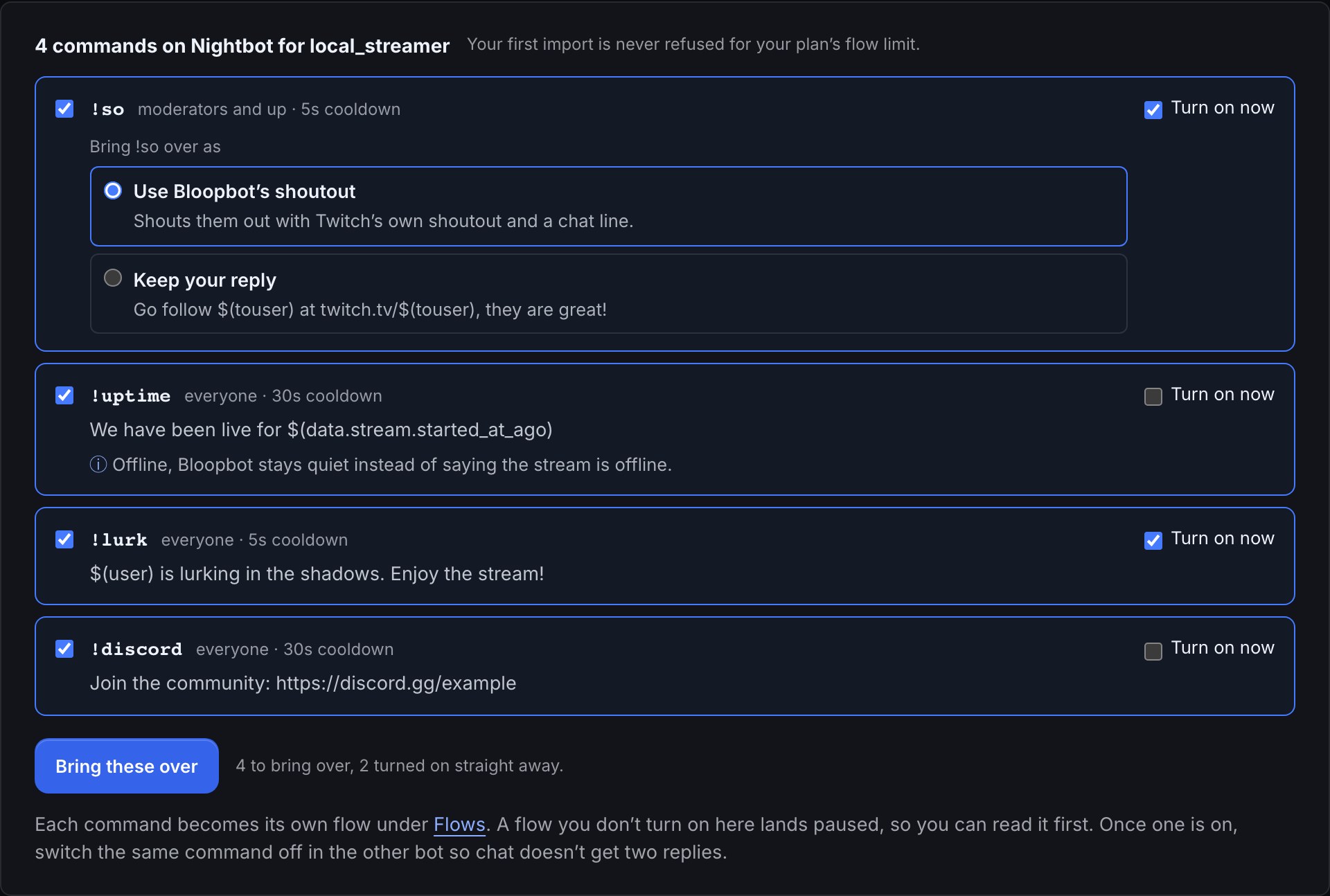
- No Nightbot sign-in. Bloopbot reads the command list Nightbot already shows publicly, and nothing changes there.
- Each command arrives as its own flow called
!command (from Nightbot), with its user level as a check and its cooldown as a Cooldown check. $(user),$(touser),$(query)and$(1)to$(9)stay as they are.$(count)becomes a counter variable that starts at Nightbot’s current count.- An alias such as
!dcfor!discordbecomes an extra word on the!discordflow. - A row Bloopbot can’t finish for you, such as one with a $(time) token, arrives paused, with Turn on now greyed out.
- Timers, spam filters, your Regulars list and song requests don’t come across. The guide shows how to rebuild each one.
What a flow adds to a command
Once a command is a flow, you can add steps that a reply on its own can’t do. A !discord command can read a link your mods change with !setdiscord, a raid can give the raider a shoutout, and a reward can have a viewer’s typed-in text checked by AI before it goes on screen, where your channel includes it. Each is a trigger, a few checks and actions you can see.
Build a flow on the canvas shows how the parts connect.
When Nightbot is the better fit
Nightbot is simple, free, long trusted and fast to set up. If one line per command is all you need, or you stream on YouTube, Trovo or SOOP, Nightbot does that well and there’s no need to switch.
Bring your commands over.
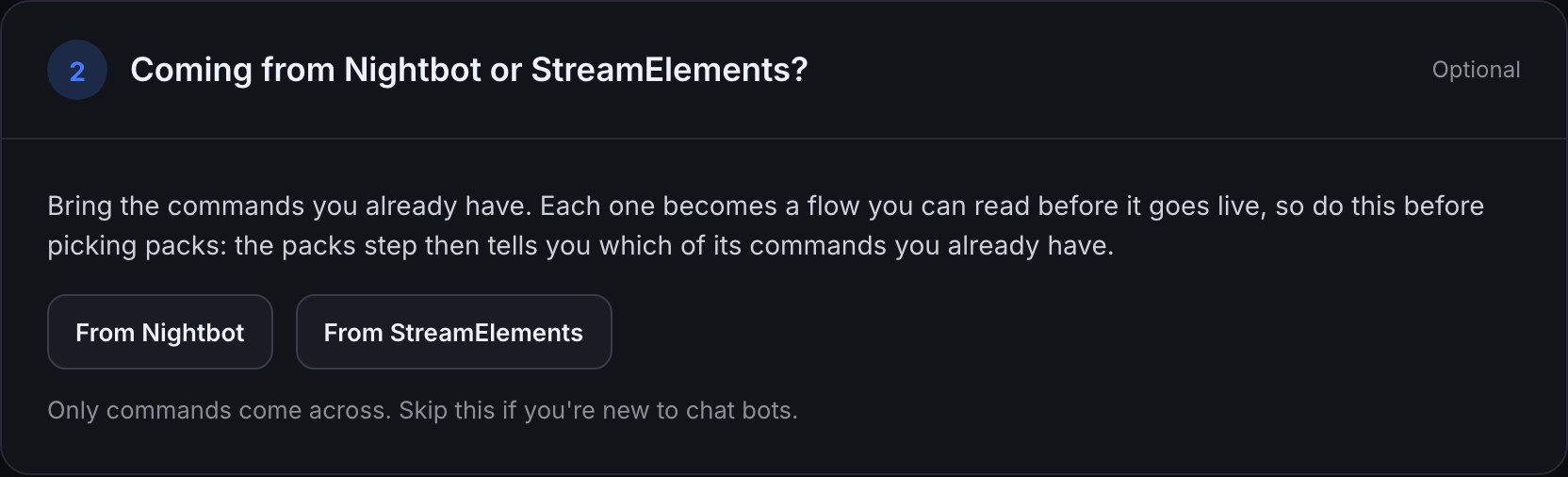
Sign in with Twitch and open step 2 of the Setup guide.
New channels can’t join yet. Already using Bloopbot? Sign in.