Moderation filters, plus flows for the rest
Six filters can check every message in your chat, with the thresholds and exemptions you choose. When you want something extra, such as telling your mods about a third strike, you build it as a flow.
New channels can’t join yet. Already using Bloopbot? Sign in.

The filters
The filters are settings on the Moderation page, not flows, so they apply to every message. Each has its own thresholds, exemptions and response: warn, delete or time out.
The six filters are the blacklist, links, caps, symbols, emotes and repetition. Switch each one on when you want it, and watch chat for a while before turning on several at once.
The link filter and the blacklist see through disguises: a link spaced or spelled out (example dot com), written in look-alike or fancy letters, or broken up with invisible characters. Whatever a filter does, the message it caught is deleted; a first-offence warning only spares the viewer the timeout.
Your mods, from chat
A moderator on Twitch is a moderator to Bloopbot straight away, with nothing to sign in to.
| Command | What it does |
|---|---|
!permit <username> | Lets a viewer post a link past the link filter for a short time |
!filters enable <filter> | Switches a filter on; disable switches it off |
!blacklist add <words> | Adds a blacklist entry; -regex makes it a pattern |
!nuke | Runs a bulk moderation job on chat, from the Mod commands pack; the Nukes page holds its settings |
The Mod commands pack also brings !title and !game for your stream information, and controls for the alert queue. !permit, !filters and !blacklist are built in and work without a flow. Anyone below moderator who types !permit, !filters or !blacklist gets no reply at all. Nukes may not be available on your channel yet.
Flows for the rest
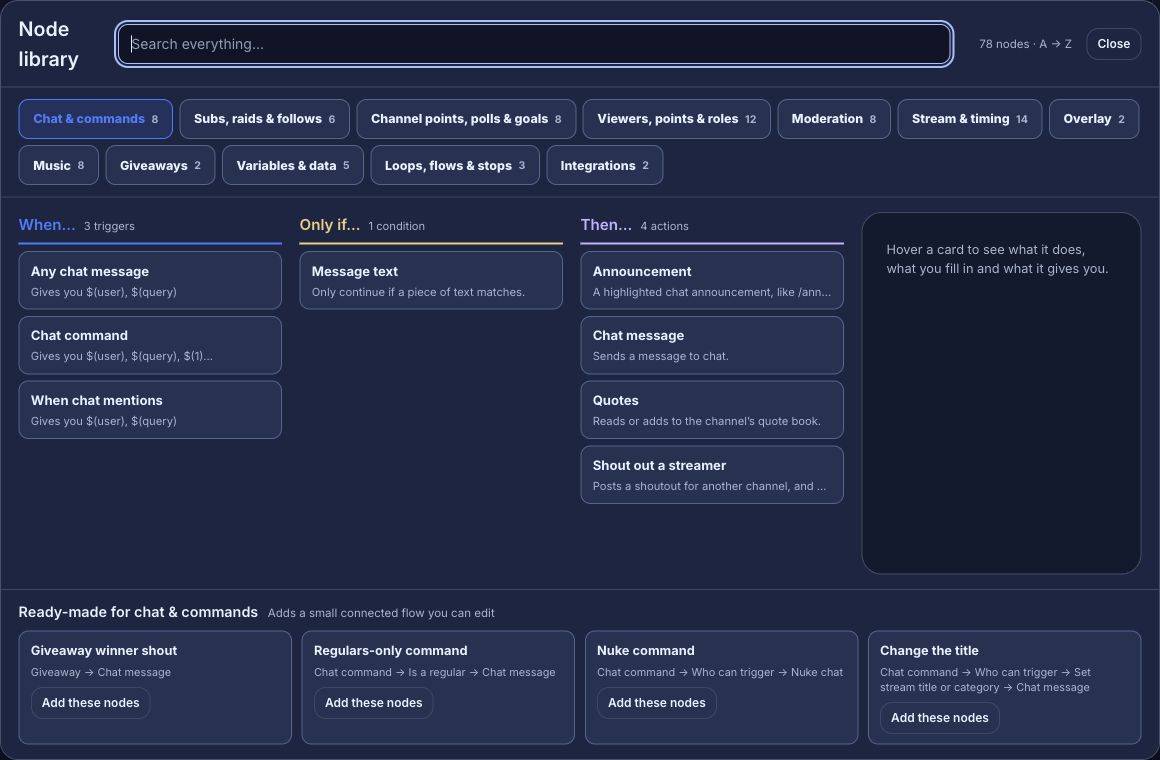
- React when a filter acts. The Moderation acted trigger starts a flow when a filter warns, deletes or times out, and can wait for a number of strikes: tell your mods in chat when a viewer reaches their third.
- React to any ban or timeout. The Ban, timeout or unban trigger fires whoever issued it, including from the Twitch dashboard.
- Read what a message means. An optional AI moderation step looks for harassment, hate speech, sexual content, scams and a rule you write in a sentence. Run it in watch mode for a stream first, and let it act once you trust it. It may not be available on your channel yet — see set up AI moderation.
Check what happened
A flow’s Run log shows each path it took. The Audit Log shows who changed your channel’s settings, and the Nukes page lists bulk moderation jobs with their details. Test fire simulates a flow’s actions without timing out or banning a real viewer.
Editors you add on Connections can change the filters and flows from their own sign-in, and every change is recorded under their name — see share the work with mods and editors. Editors may not be included on your plan.
Set up your filters.
Sign in with Twitch, make the bot a moderator and open the Moderation page.
New channels can’t join yet. Already using Bloopbot? Sign in.