
One link for your bio that keeps itself current
Every Bloopbot channel gets a public page at bloopbot.com/c/your-channel. It shows whether you're live, puts your YouTube, Discord and merch links one tap away, and fills in your schedule, clips and chat commands from Twitch and your bot.
Links, sections and page fonts are on every plan, Free included. Your own domain is on Pro.
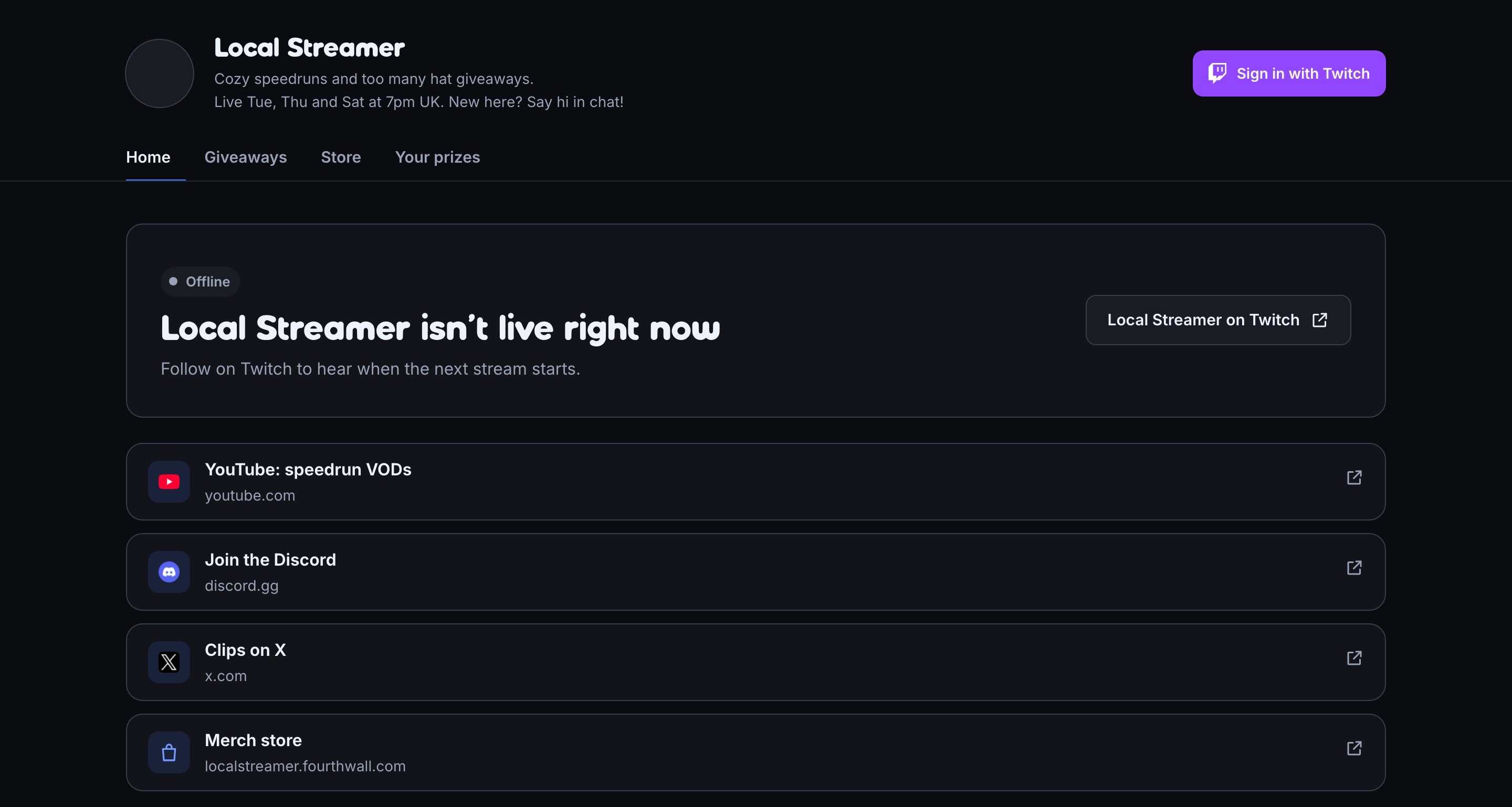
Your links, under your live status
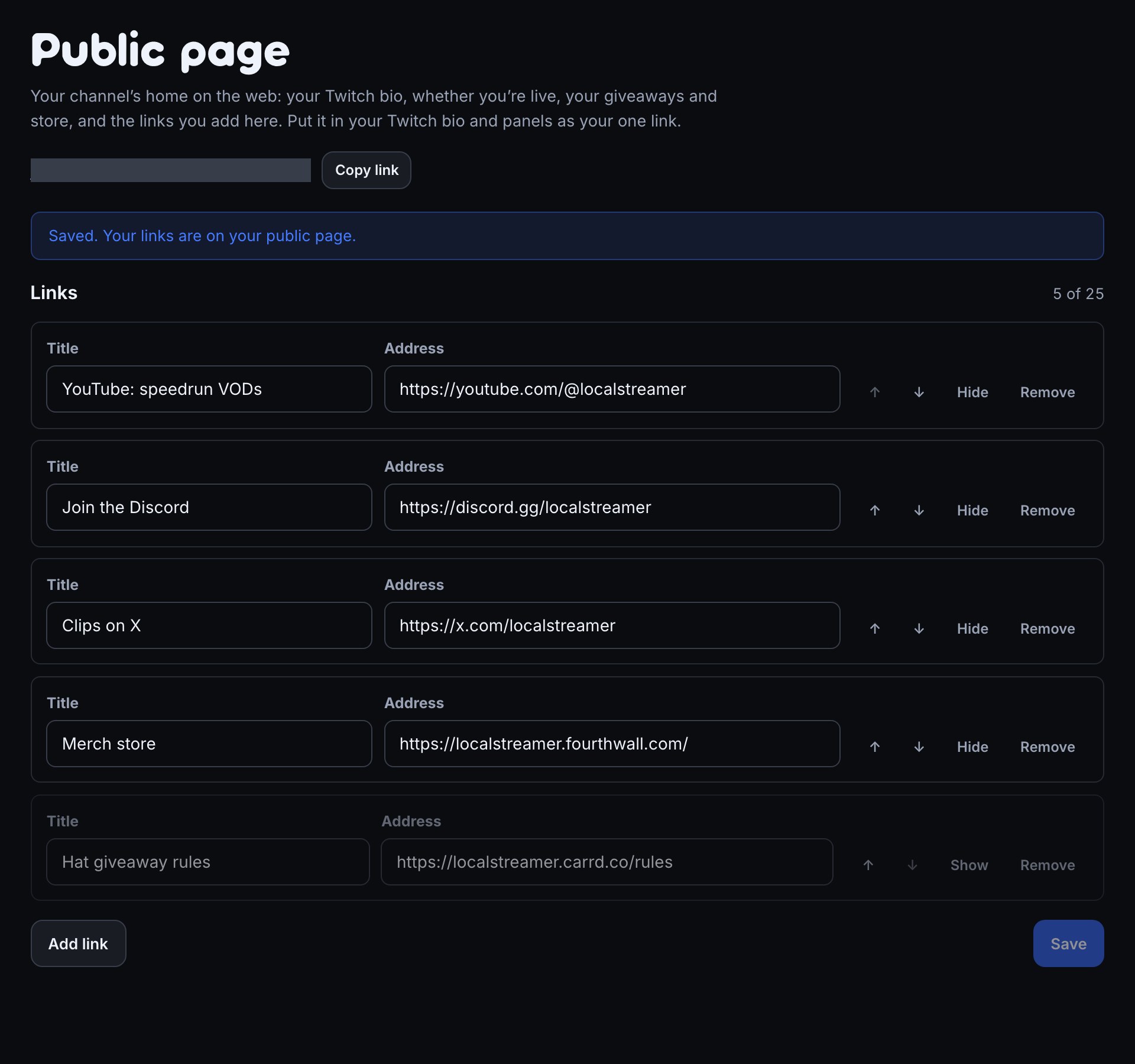
Add up to 25 links: YouTube, Discord, TikTok, merch, a tip page or anything with a web address. They sit as big buttons right under your live status, so a viewer who taps the link in your bio sees whether you're live first and everything else one tap away.
Each button shows the site's own icon, such as YouTube's red play button, fetched for you when you save. You can reorder links with the arrows, and hide one between events without deleting it, such as a giveaway's rules.
More than a list of links
A link-in-bio page normally holds only what you type into it. Your public page also reads from Twitch and from your bot, so these parts update themselves:
| Part of your page | Where it comes from |
|---|---|
| Live status and a Watch on Twitch button | Your Twitch channel, as it goes live |
| Your bio | Your Twitch profile, within a few minutes of a change |
| Schedule for the next 7 days | Your Twitch schedule |
| Recent broadcasts and top clips | Your saved broadcasts and the most viewed clips of the last 30 days |
| Latest on YouTube | Your YouTube channel's newest uploads |
| Commands | The chat commands in your flows, grouped by who can use them |
| Giveaways, Store, Quotes | Your open giveaways, your points store and your quote book |
Each of those is a section or a tab you can switch off. A Twitch section with nothing to show hides itself, so a week with no schedule doesn't leave an empty box.
A commands page your viewers can find
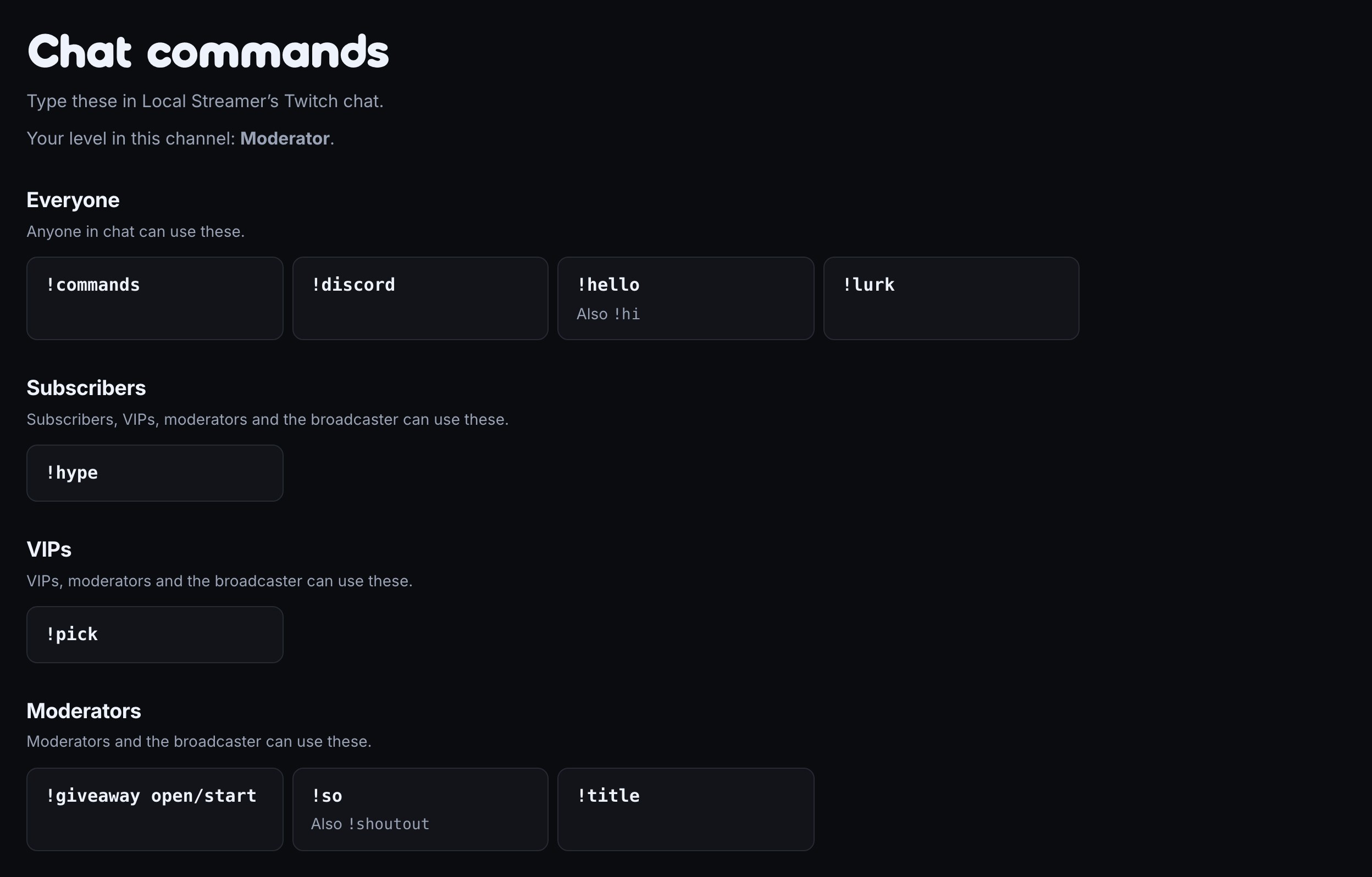
The Commands tab lists the chat commands viewers can type, grouped as Everyone, Subscribers and VIPs, with a command's other names beside it and its description under it. It builds itself from your flows, so a command you add, rename or switch off shows up there within a minute.
Moderators who sign in with Twitch also see the commands for their level. Add the Commands link flow from the Starter pack and !commands answers in chat with the page's address.
A streamer website without building one
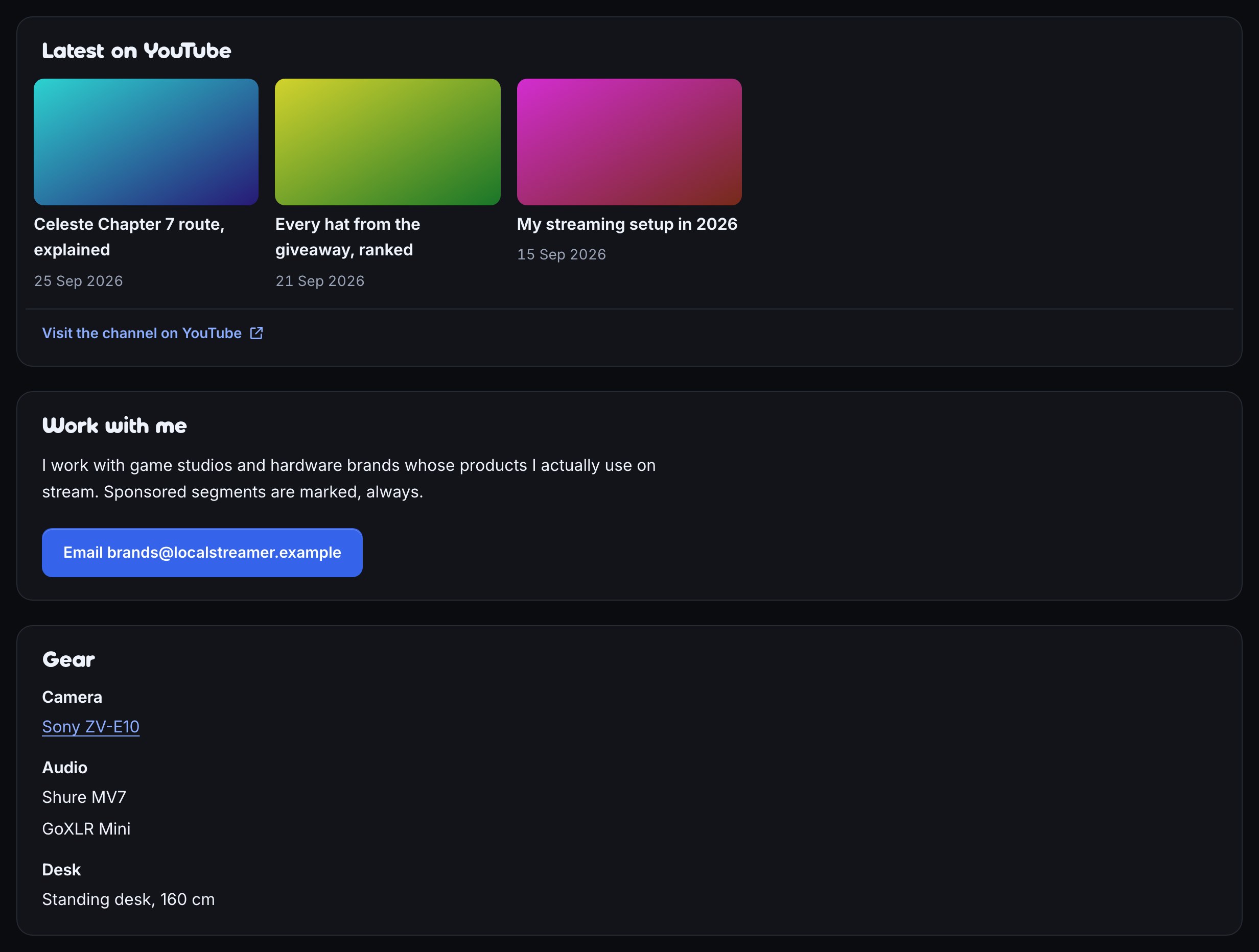
Turn on the Home sections you want and drag them into order:
- About, for who you are and what you stream.
- Work with me, for brands and sponsors, with an email or web address button.
- Gear, your camera, mic and desk grouped with optional links.
- Latest on YouTube, Schedule, Recent broadcasts and Top clips.
Pick a Google Font for headings and another for body text, and every page and section uses them. On Pro, the page can open at your own domain, such as live.yoursite.com.
Where to put your link
- Your Twitch bio and panels. Twitch lets you add social links and panel links; one of them can be your page.
- TikTok, Instagram, X and YouTube profiles. Put it in the website field, so one link leads to everything you do.
- Chat.
!commandsand any chat message can carry the address;$(commandsurl)is your Commands page. - Discord. Pin it in your server's welcome channel.
Viewers don't need to sign in to see your page or use your links. Copy the address from the top of Public page with Copy the page link.
Common questions
Is it free? Yes. The page, links, Home sections and page fonts are on every plan, Free included. On the Free plan, the bottom of each page has a short Stream on Twitch? box telling viewers they can get a page like yours; on Plus and Pro it is gone. A custom domain needs Pro. See what your plan includes.
Is it a Linktree alternative? It covers the same job, one address for all your links, and adds what your bot already knows: whether you're live, your schedule, clips, commands and giveaways. Linktree can embed your live stream and chat on its page; Bloopbot's page shows that you're live with a button to watch on Twitch instead.
Do I need a separate account? No. It comes with your Bloopbot channel; you sign in with Twitch and edit it under Public page.
Can I hide the parts I don't use? Yes. Switch Giveaways, Store, Quotes, Commands or Home off under Pages, and choose which Home sections show. Your prizes always stays on so winners can claim what they won.
Can an AI assistant set it up? If you have connected an AI assistant, you can ask it to arrange your sections, edit your links and gear, or set your fonts.
Make your one link.
Sign in with Twitch, open Public page, add your links and paste the address into your Twitch bio.