Your bot keeps running when your PC is off
Bloopbot runs your triggers, checks and actions on its own servers. You build them on a canvas in your browser, with no C# and nothing to install.
New channels can’t join yet. Already using Bloopbot? Sign in.
Streamer.bot and Bloopbot compared
Both are free to start. They differ in where the bot runs and how you build it.
| Streamer.bot | Bloopbot | |
|---|---|---|
| Where it runs | An app on your Windows PC | Bloopbot’s servers |
| PC must stay on | Yes | No |
| Mac and Linux | Windows only | Any computer with a browser |
| Building logic | Lists of sub-actions, plus C# for anything custom | A canvas of triggers, checks and actions |
| Shared state | Global and per-user variables | Channel and per-viewer variables that every flow can read |
| Overlays and alerts | Build your own on its WebSocket or HTTP server | Hosted overlays you add to OBS as a Browser Source |
| Apps on your PC | OBS, Stream Deck, VTube Studio, Voicemod and more | A Stream Deck key can start a flow through its URL; nothing else on your PC |
| Platforms | Twitch, YouTube, Kick and Trovo | Twitch |
| Price | Free, with an optional Patreon tier for cloud backups | Free plan |
Checked September 2026 against Streamer.bot.
The same ideas, drawn instead of listed
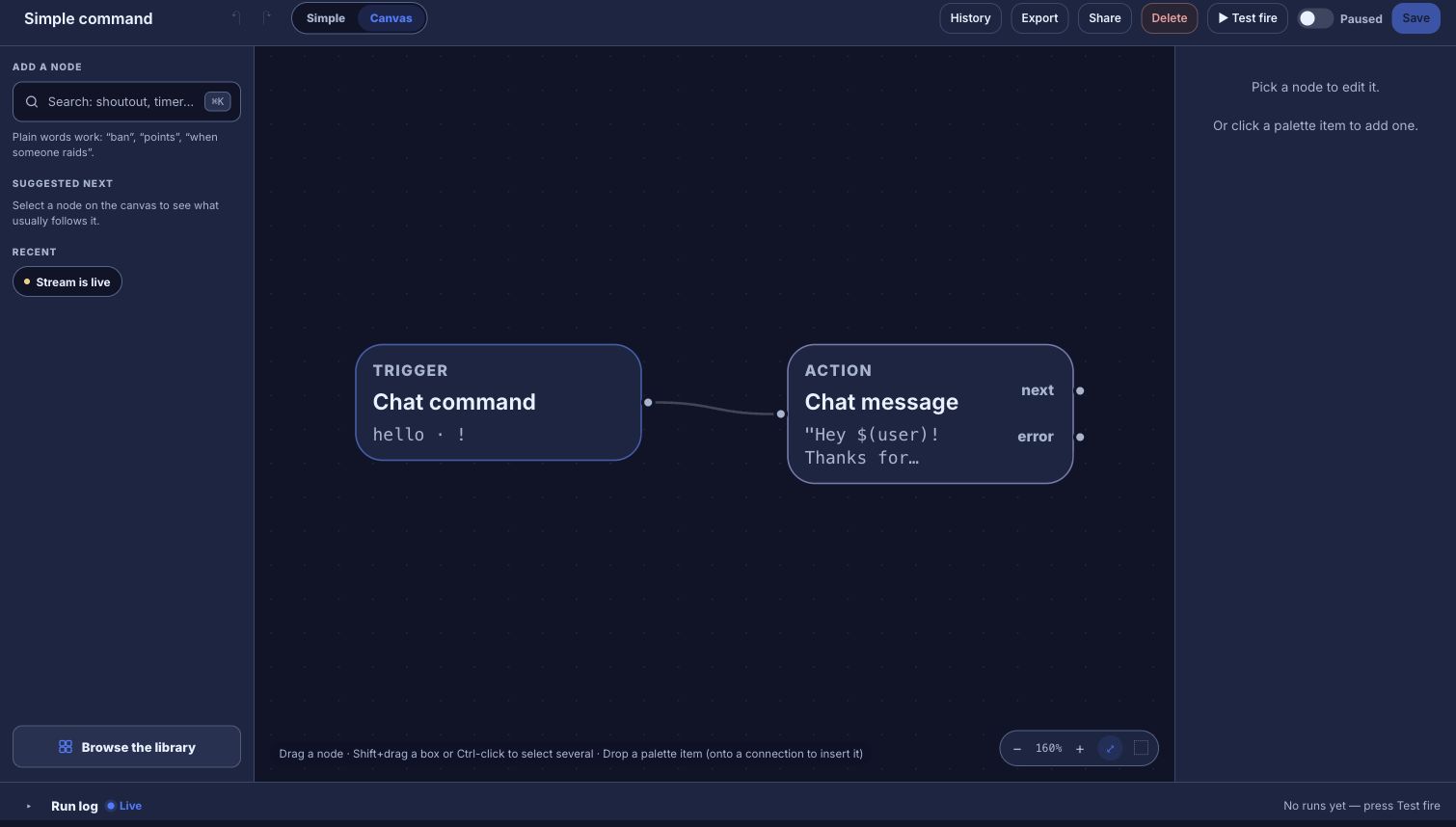
An action becomes a flow, and each sub-action becomes a step you can see on the canvas. There’s no importer, so you rebuild the actions you use most; the guide maps each one.
| Streamer.bot | Bloopbot | |
|---|---|---|
| Actions | An action and its sub-actions | A flow |
| Triggers | Triggers on an action | The flow’s trigger, such as Chat command or On a reward redeemed |
| Logic | If / Else and Switch sub-actions | Check steps, each with a path for yes and a path for no |
| Loops | While sub-actions | For each, once per item in a list |
| State | Global and user variables | Variables, declared once and read anywhere as $(var.name) |
| Sharing | Extensions you import | Flow packs, the Community group and shared flow files |
What changes when the bot isn’t on your PC
- Your chat commands and moderation filters keep answering when your PC is off, and you can change a flow from any browser.
- You start from a ready-made pack, such as Starter, then change the steps you want.
- Your overlays are hosted, so OBS loads the same URL on whichever PC you stream from.
- An editor you trust can sign in with their own Twitch account and fix a flow for you. Editors may not be included on your plan.
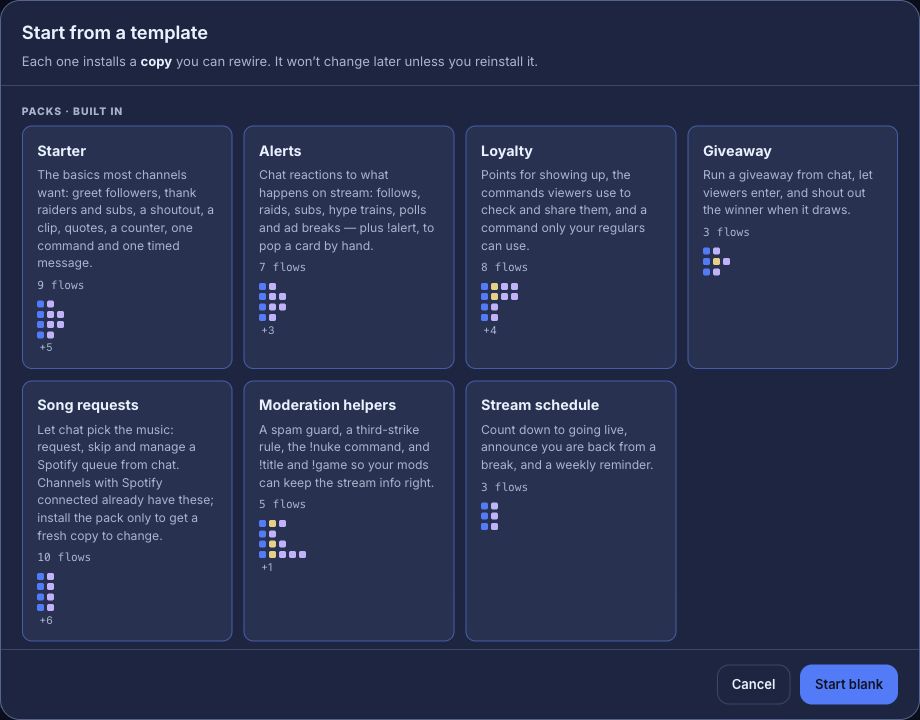
Hosted overlays and webhook triggers may not be available on your channel yet. What your plan includes shows what yours has.
When Streamer.bot is the better fit
If your bot switches OBS scenes, drives VTube Studio, Voicemod or other apps on your PC, runs your own C# code, or you stream to YouTube, Kick or Trovo, Streamer.bot does that and Bloopbot doesn’t. If you need both, you can keep Streamer.bot for your PC and hand chat to Bloopbot, as long as the two never answer the same command.
Try one flow on your next stream.
Sign in with Twitch, install the Starter pack and change one step.
New channels can’t join yet. Already using Bloopbot? Sign in.