
No mods yet? Let the bot cover chat
Small channels usually have no moderators, and that's exactly when spam links, follow-bot raids and the odd troll hurt most. These five bots are ranked by how much they handle for you when nobody else is watching chat.
We make Bloopbot, so read our pick with that in mind. Every other bot's details come from its own pages, checked September 2026.
The short answer
| Spam filters | Disguised links | Follow-bot raids | AI reading of chat | Help from people you trust | |
|---|---|---|---|---|---|
| 1. Bloopbot | Blacklist, links, caps, symbols, emotes, repetition | Sees through look-alike letters, spelled-out dots and invisible characters | A ready-made flow turns Twitch Shield mode on and off | An optional step you watch first, then let act | Editors with their own sign-in, plus an Audit Log |
| 2. Fossabot | Blocked terms, emote and message-height filters | Look-alike detection | Not covered here | Not covered here | Mod teams with roles and audit logs |
| 3. Nightbot | Blacklist and spam filters | Not covered here | Not covered here | No | Shared access |
| 4. Moobot | Spam and comment filters, subscriber exemptions | Not covered here | Not covered here | No | Shared access |
| 5. Streamlabs Cloudbot | Caps, emotes, paragraphs, links, symbols, profanity | Not covered here | Not covered here | No | Shared access |
"Not covered here" means we didn't find it on the bot's own pages, not that it's missing.
What a channel with no mods actually needs
- Filters that work on their own, so a link or a wall of caps is gone before you notice it.
- Filters that can't be tricked by
example dot comor fancy letters. - A plan for raids, because follow-bot waves arrive in seconds.
- Proof the bot can act at all. A bot that isn't a moderator in your channel can't delete anything.
- Someone to call on later, without giving away your Twitch password.
1. Bloopbot: best when you're moderating alone
- Six filters on one page. Blacklist, links, caps, symbols, emotes and repetition, each with thresholds, an exempt level and a response: warn, delete or time out.
- Disguised links get caught. The link filter and blacklist see through
example . com,example(.)com, look-alike or fancy letters, and invisible characters. - Follow-bot raids handled. The Follow-bot protection pack notices 20 or more follows within a minute, checks whether most of the accounts are under a week old, turns on Twitch Shield mode, posts a calm announcement and turns it off 10 minutes later. A real rush after a shoutout, mostly older accounts, doesn't set it off. It works on every plan.
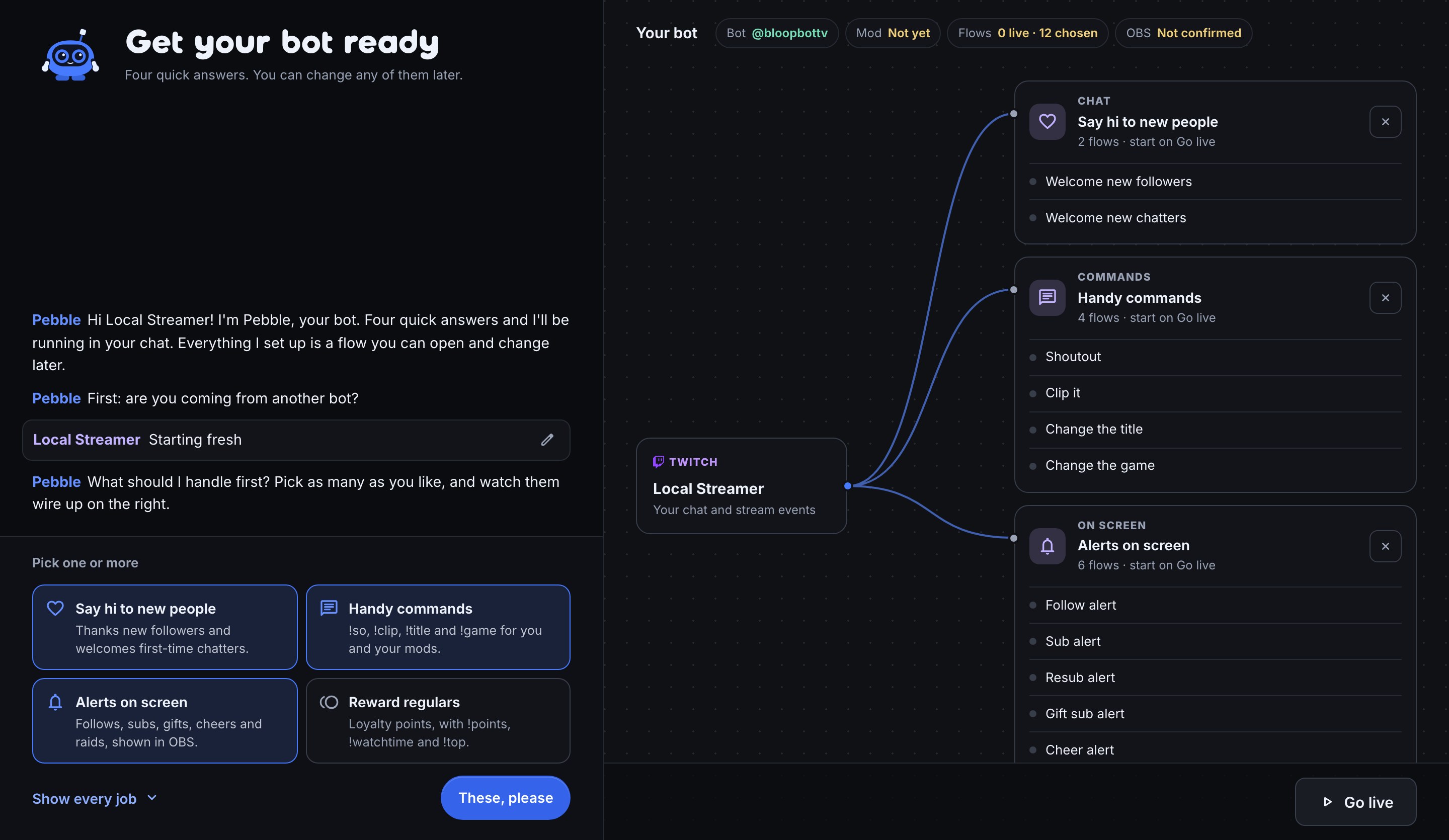
- The bot proves it's a mod. Setup asks Twitch whether the bot is a moderator. Until it is, Bloopbot pauses the things that need it, so you don't think you're protected when you aren't.
- AI moderation you can watch first. An optional flow reads chat for harassment, hate speech, sexual content, scams and a rule you write. Run it in watch-only mode for a stream, read its verdicts in the Run log, then let it act. It may not be included on your plan.
- Help without passwords. Editors sign in with their own Twitch account, and the Audit Log shows who changed what. Editors may not be included on your plan.
Where it falls short: No message-height filter and no roles within editors. Twitch only.
2. Fossabot: best pure moderation depth
Fossabot's moderation filters are deep, free and trusted by large channels. It has look-alike detection, a message-height filter Bloopbot doesn't have, and role-based mod teams with audit logs.
Pick it if moderation is what you need most and you'll add human mods soon, or you stream on YouTube or Kick. Fossabot vs Bloopbot compares them row by row.
3. Nightbot: best simple spam filter
Nightbot has a blacklist and spam filters that are quick to switch on, and it's long trusted.
Pick it if you want basic filters and simple commands, nothing more.
4. Moobot: best subscriber exemptions
Moobot's spam and comment filters can exempt subscribers, which keeps your regulars from being caught by a caps filter.
Pick it if you mostly need to keep filters off your subscribers' backs.
5. Streamlabs Cloudbot: best if you already use Streamlabs
Cloudbot filters caps, emotes, paragraphs, links, symbols and profanity, inside the Streamlabs suite.
Pick it if you already stream with Streamlabs Desktop and want everything from one company.
A ten-minute setup for a channel with no mods
- Sign in to Bloopbot with Twitch and follow the Setup guide.
- When Pebble asks you to Make me a mod, send the
/modcommand Pebble shows you in your own chat, and wait for the step to tick. - On Moderation, switch on the link filter and blacklist, and set links to delete with a warning.
- In Flows → Add, add Follow-bot protection, read it once and switch it on.
- Set up Shield mode in Twitch itself, so the flow has something sensible to turn on.
Moderate your chat covers every filter and option.
Turn on spam protection before your next stream.
Sign in with Twitch, make the bot a mod and switch on the link filter.