
Twitch giveaways chat can join
Set the prize once, and viewers enter by typing a keyword or from the giveaway's own web page. Your moderators open, close and draw from chat, a winner confirms before their time runs out, and a panel shows entries and winners on stream. Included on every plan, with several winners and web entry.
Set it up in four steps
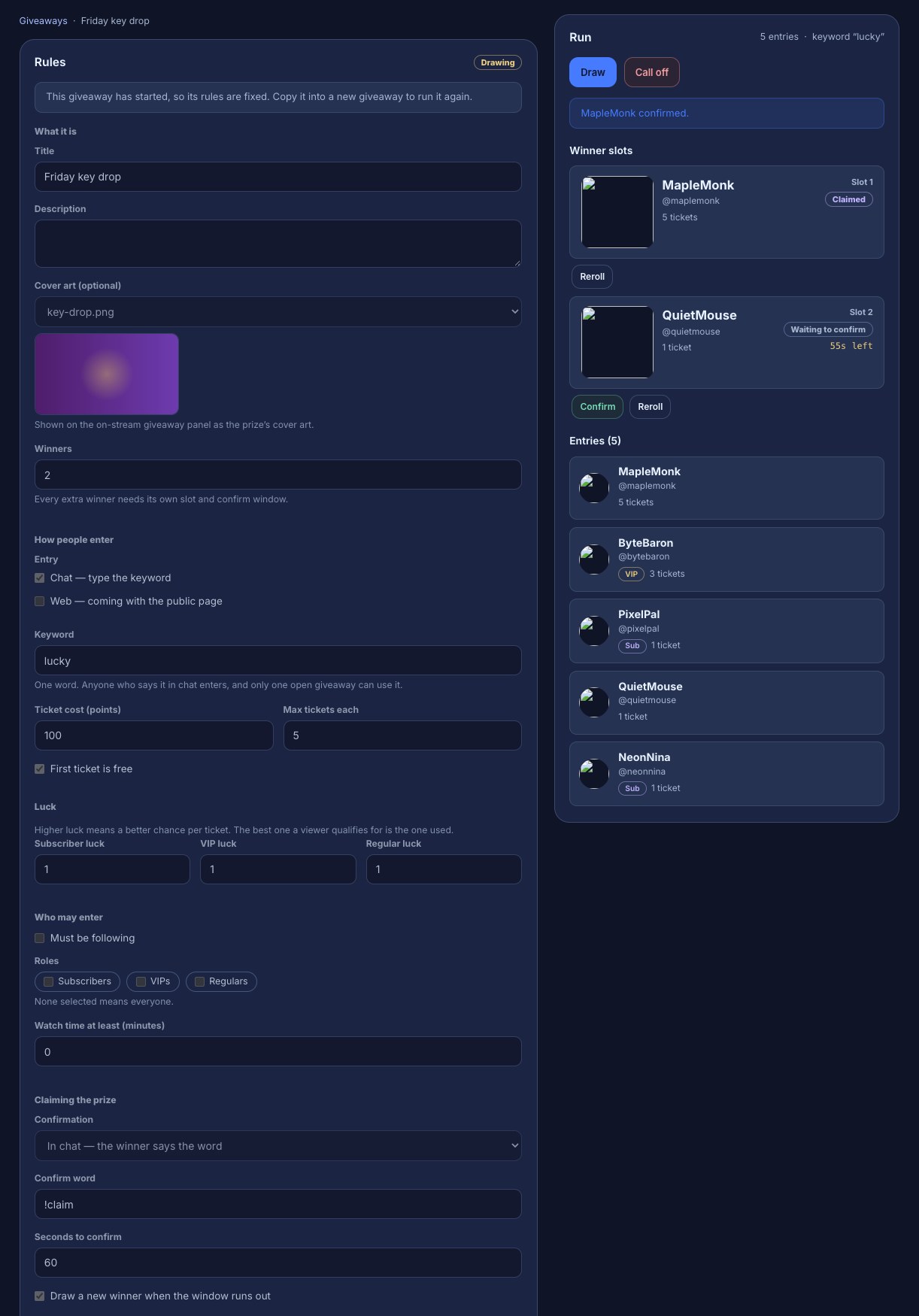
A giveaway takes four steps, Prize, Entering, Winner and Review, and nothing reaches chat until you open it.
- Prize: name it, add cover art, and choose how many winners. Hand it over in chat, or on a claim page where the winner signs in and collects a key or a gift link.
- Entering: a keyword such as
lucky, the giveaway's own web page, or both. Keep it to followers, chosen roles or a watch-time minimum, charge loyalty points per ticket, and give subs, VIPs or regulars better odds. - Winner: the winner types a confirm word,
!claimto start with, within the time you set, or someone else is drawn. Or skip the confirmation. - When: open and close it yourself, or on a schedule.
Your mods run it from chat
| Command | What it does |
|---|---|
!giveaway open | Opens a giveaway |
!giveaway close | Stops entries |
!giveaway draw | Draws the winners |
!giveaway reroll | Redraws a winner |
!giveaway confirm name | Confirms a winner for them |
!giveaway | Says where the giveaway stands |
Each command is its own flow, so you can change one, or let VIPs draw too, without touching the rest. Only you can cancel a giveaway, which refunds the points. Run it from chat lists every option.
On stream
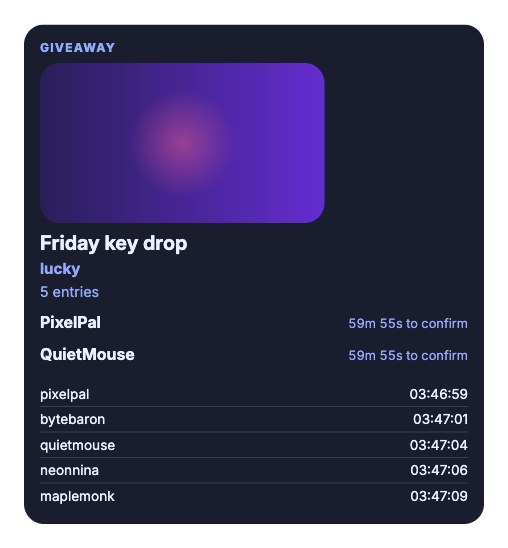
A Giveaway layer on your overlay shows the prize and its cover art, the keyword, the entries as they come in, and the winners waiting to confirm. It can draw with a spinning wheel of entrants. Put the giveaway panel on stream shows how.
Common questions
Is it free? Yes. Giveaways are included on every plan, including several winners and entering from the web. See what your plan includes.
Can viewers enter without typing in chat? Yes. Tick Web and the giveaway gets its own public page where viewers sign in with Twitch and enter. Let viewers enter from the web.
Can I give away a list of keys one at a time? Yes, with a prize pool: a moderator command hands out the next key, no draw needed.
Run your first giveaway.
Sign in with Twitch, add the Giveaway pack and make a giveaway in four steps.