
OBS control from your flows
Bloopbot's overlay already tells it what OBS is doing, so there is no plugin and no password to set up. Start a flow when you change scene or go live, or let a mods-only command switch to your BRB scene, and keep stream-stopping steps away from anything viewers can trigger.
Works with OBS Studio's built-in browser on every plan, Free included.
Start a flow from what OBS does
Flows can start the moment OBS changes: when you switch scenes, start or stop streaming, start or stop recording, pause a recording, or show or hide an overlay. Name a scene to run a flow only when you switch to that scene. Use these to post a chat message when you change scene, or to tidy up when you go live.
Your overlay has to be open in OBS as a Browser Source, the same one you already use for alerts or chat. You don't need anything else for these triggers.
Let flows control OBS
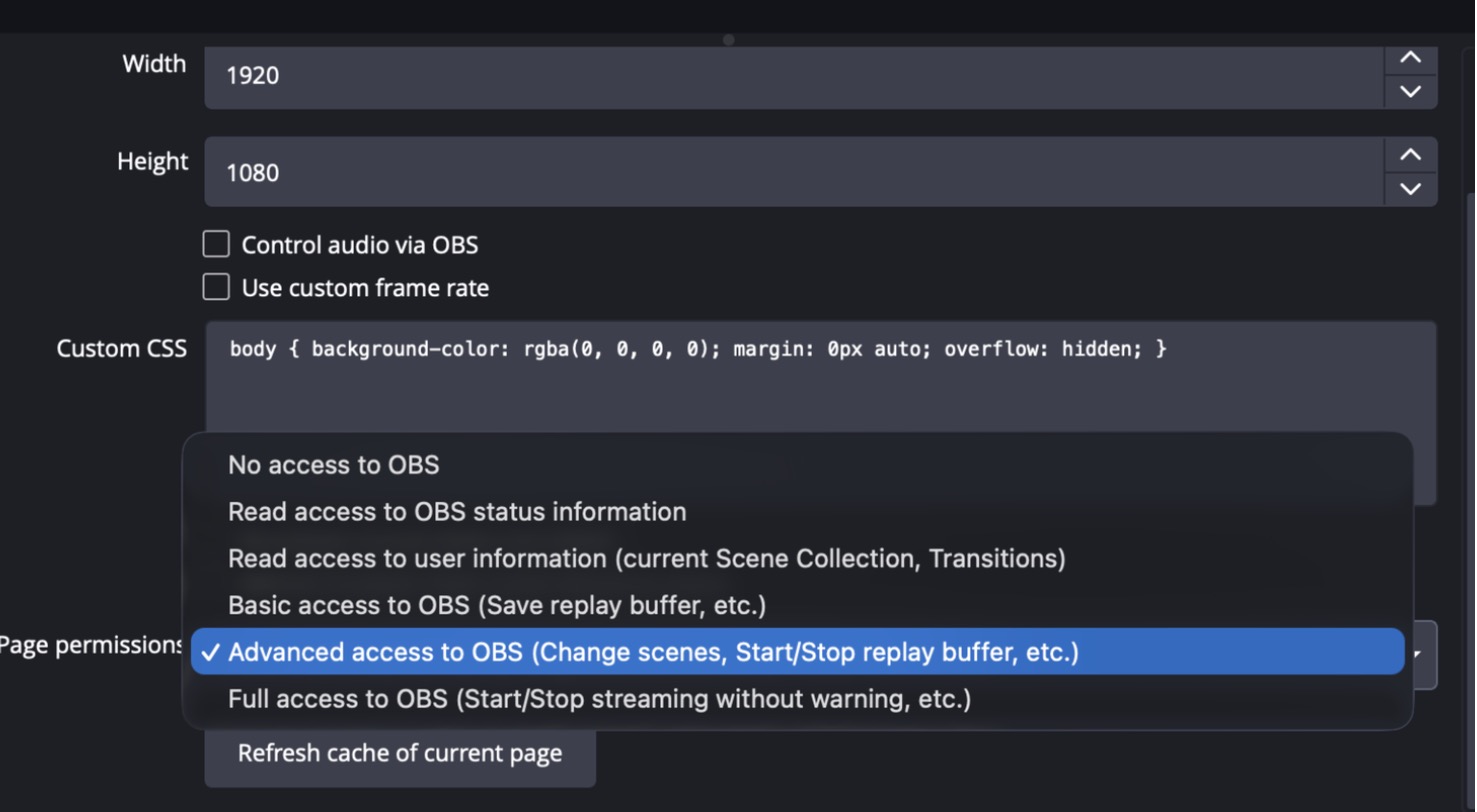
To make OBS act, raise the overlay's page permissions in OBS first. Then a flow can switch scenes, set the transition, save a replay, start or stop the replay buffer, start, pause, resume or stop a recording, start or stop streaming, and start or stop the virtual camera.
A scene switch usually shows in OBS within about half a second. OBS doesn't confirm every action, so check OBS the first time you use one.
A BRB command for mods
Give your moderators a !brb command that switches OBS to your BRB scene. Add a Who can trigger check set to Moderators and up, then a Switch OBS scene step. If the switch fails, the flow can say why in chat. The guide has the full steps: Control OBS from flows.
Keep the stream in your hands
A viewer must never be able to end your stream or turn your camera off. Start and stop steps for streaming, recording and the virtual camera are refused in any flow a viewer can set off, and the editor warns you on the step when that happens. Start your stream from a mods-only command, a Stream Deck button or a control panel instead.
Make your first scene command.
Add a Bloopbot overlay as a Browser Source, raise its page permissions, then build a mods-only !brb command in Flows.