Every command, alert and timer as a flow you can read
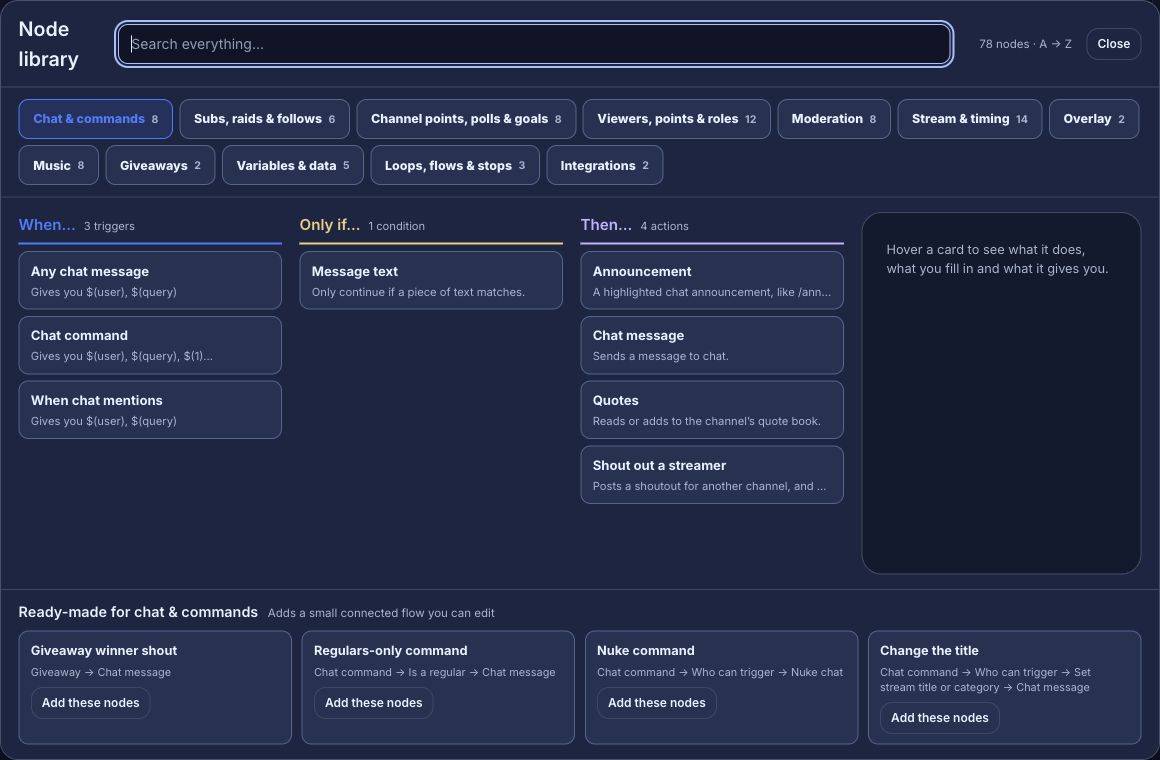
Streamlabs Cloudbot is one part of the Streamlabs creator suite. Bloopbot is a chat bot you draw. Each command, alert and timer is a flow of triggers, checks and actions on a canvas in your browser, and you can open any step to change it.
New channels can’t join yet. Already using Bloopbot? Sign in.
Streamlabs Cloudbot and Bloopbot compared
Both chat bots run in the cloud and are free to start. Cloudbot sits inside the Streamlabs suite, beside its streaming app and tipping. Bloopbot is a chat bot with hosted overlays that you add to the streaming app you already use. Song requests, hosted overlays, Twitch polls and AI steps may not be available on your channel yet.
| Streamlabs | Bloopbot | |
|---|---|---|
| Building commands | Custom commands with variables | Flows of triggers, checks and actions on a canvas |
| Timers | Timers | A flow with an On a timer trigger |
| Moderation filters | Caps, emotes, paragraphs, links, symbols and profanity | Blacklist, links, caps, symbols, emotes and repetition filters on Moderation |
| Loyalty | A loyalty store | Points and watch time, with !points, !top and !give |
| Giveaways | Giveaways | Keyword entry, tickets that can cost points, a draw and a panel on stream |
| Polls | Polls | Twitch polls and predictions, started or announced from a flow |
| Quotes | Quotes | A numbered quote book, with !quote |
| Media requests | Media share | Spotify song requests, through your own Spotify account |
| Alerts and overlays | Part of the Streamlabs suite | Hosted overlays with alert layers, added to OBS as a Browser Source |
| AI | Intelligent Streaming Agent, a 3D co-host for specific games that runs on your own RTX graphics card | Checks inside your flows that read what a message means and pick a path |
| The bot’s name | Renaming the bot needs Ultra | Your own bot account, which may not be included on your plan |
| Streaming app and tipping | Streamlabs Desktop and tipping | Not part of Bloopbot |
| Platforms | Twitch, YouTube and Kick | Twitch |
| Price | Free, with Ultra at $27 a month or $189 a year | Free plan |
Checked September 2026 against Streamlabs.
How an AI step works in a flow
An AI step in Bloopbot answers a question about a chat message or a viewer’s typed-in text, then your flow takes the path you wired to that answer. It never writes a reply of its own, so nothing viewers read is written by the AI.
The Check reward text before it goes on stream template shows how that works:
- On a reward redeemed starts the flow when a viewer redeems a reward and types something.
- Inside the flow’s Screen reward text group, AI: text OK to show? reads what they typed.
- Clean text plays your
redemptionalert with the viewer’s name and what they typed. Flagged text never reaches the screen, and the flow asks Twitch to refund the points, which Twitch allows for a reward Bloopbot created.
AI features and what’s included lists each AI step and shows how to check which ones your channel has.
Moving over from Cloudbot
There’s no importer for Cloudbot, so you rebuild the commands you use as flows. You can keep Cloudbot running while you try Bloopbot.
- Sign in with Twitch, then make the bot a moderator in your chat with the
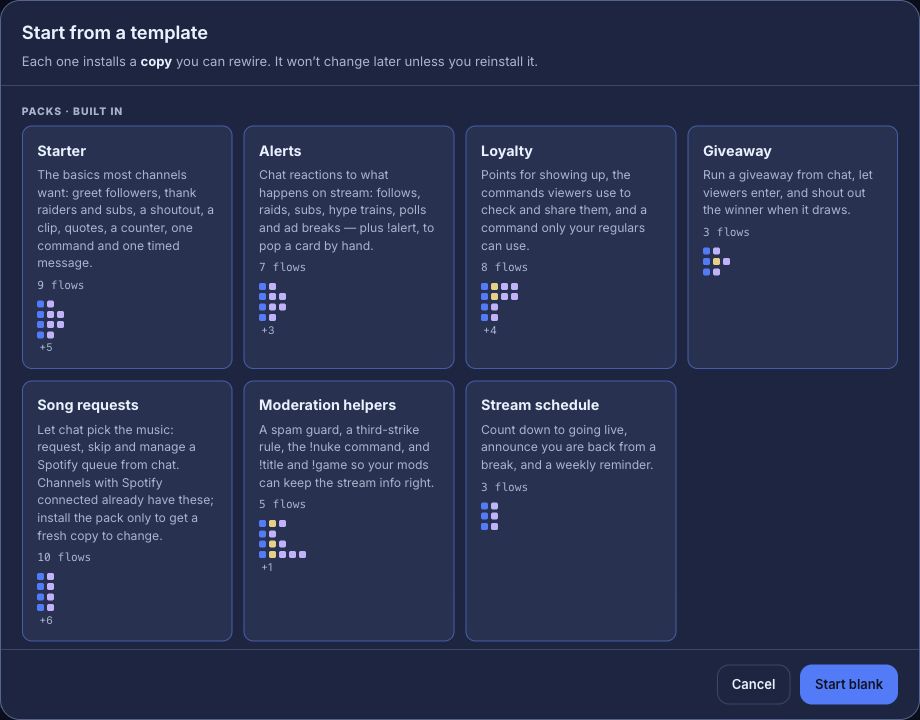
/modcommand the Setup guide shows you. - Install the Starter pack from Flows → Explore packs. Its flows arrive paused.
- Open a flow, change its command and message to match the Cloudbot command it replaces, and switch it on.
- Switch the Cloudbot command off, so chat never gets two replies.
When Streamlabs is the better fit
Streamlabs puts a streaming app, overlays, tipping and a chat bot in one suite, with multistreaming and a mobile app. If you want all of that from one company, or you stream on YouTube or Kick as well as Twitch, Streamlabs is the better choice.
Try one flow on your next stream.
Sign in with Twitch, install the Starter pack and change one step.
New channels can’t join yet. Already using Bloopbot? Sign in.