
A chat bot for Kick built from flows you can read
Sign in with Kick and Bloopbot answers your Kick chat, plays your alerts and moderates as you. Stream on Twitch as well? Add Kick to your Twitch channel and both chats run the same flows.
Free to start. Nothing to install.
What Bloopbot does on Kick
Bloopbot is a chat bot for Kick where every command, alert and timer is a flow: a trigger, the checks you want and the actions that follow, drawn in your browser. These start your flows from Kick:
| On Kick | What your flows can do |
|---|---|
| Chat, commands and keywords | Answer !hello, count !deaths, reply in Kick chat |
| Follows, subs, resubs and gifted subs | Play an alert, thank the viewer, give loyalty points |
| KICKs | Start the Cheer trigger, with their own Last KICKs and a Top KICKs step for a leaderboard |
| Channel rewards | Start On a reward redeemed, then accept or reject the redemption |
| Going live, title and category | Post to your socials, set your title, category and Kick tags, check whether you're live |
| Ads | Run a commercial starts a Kick ad break of up to 90 seconds |
Your moderation filters screen Kick chat too, your Kick moderators can use !permit and !filters, and the Time out and Delete message steps act on Kick messages. Kick viewers earn and spend loyalty points, and on a Kick channel your public page shows your Kick bio and a Watch on Kick button.
Two ways to use it
| You stream on | What to do |
|---|---|
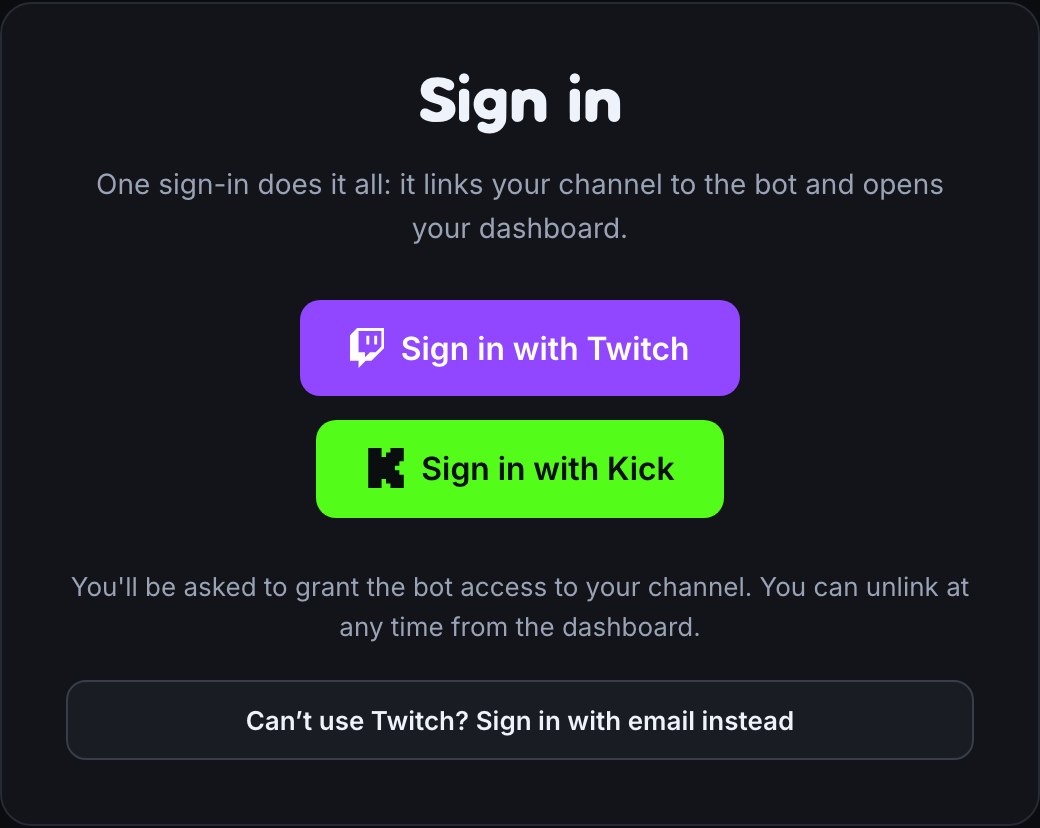
| Kick only | Choose Sign in with Kick. Your Bloopbot channel is your Kick channel, and your Starter flows are waiting, paused. |
| Twitch and Kick | Keep signing in with Twitch, open Connections and choose Connect Kick. Both chats run the same flows. |
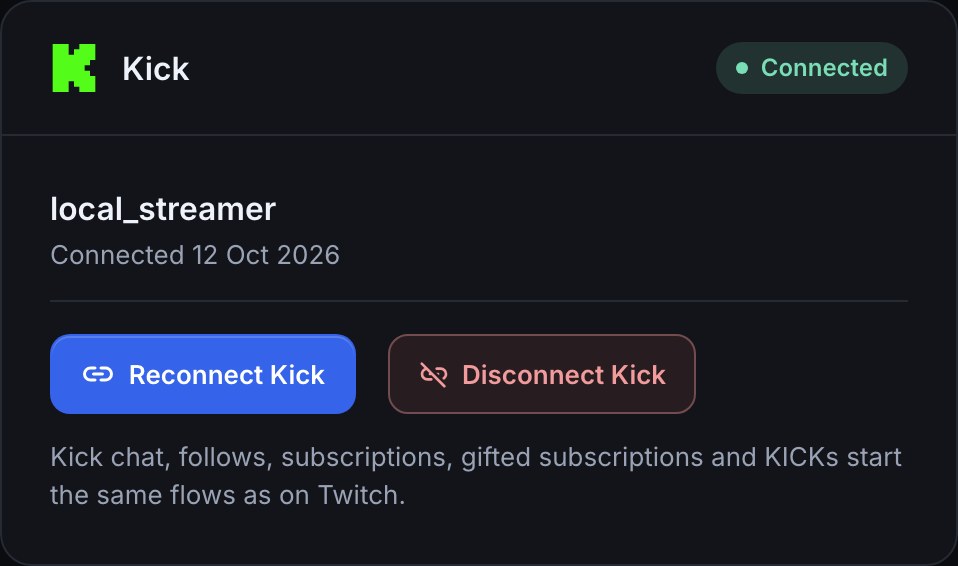
On a channel with both, each trigger can start on Twitch and Kick, Twitch only or Kick only, and a reply goes back to the chat the command came from. Going live still follows Twitch unless you choose Kick, so your go-live post never goes out twice. Use Bloopbot on Kick walks through both.
One chat box for both chats
Your chat box shows Kick chat beside Twitch's, each line marked with its platform. Show chat from keeps it to Twitch and Kick, Twitch only or Kick only. Bloopbot's own Kick replies show too, and Hide known bots hides them.
What stays on Twitch
Kick doesn't have some of what Twitch has, or doesn't let a bot do it, so these stay on Twitch: raids, shoutouts, clips, stream markers, polls, predictions, hype trains, Power-ups, Shield mode, chat settings, announcements, adding VIPs and moderators, and snoozing an ad. The flow editor marks those steps Needs Twitch on a Kick channel, so you can see what exists and why you can't add it.
Common questions
Is it free? Yes. Bloopbot is free to start on Kick, as on Twitch. See what your plan includes.
Do I need a bot account on Kick? No. Bloopbot replies and moderates from your own Kick account, with the permissions you approve when you sign in. There is no bot to make a moderator.
Can I use the same flows on Twitch and Kick? Yes. Add Kick to your Twitch channel and every chat, command, follow, sub and cheer trigger starts on both unless you choose one. A Kick viewer and a Twitch viewer are separate viewers with their own points, even with the same name.
Are KICKs counted as bits? No. KICKs start the Cheer trigger, so a cheer alert plays for them, but your channel data keeps them apart, with their own totals and leaderboards. Kick in channel data lists them.
Can I add Kick later? Yes. Open Connections, choose Kick and Connect Kick. Disconnect Kick removes only Kick: your channel, flows and Twitch connection stay.
Bring your bot to Kick.
Sign in with Kick for a Kick channel, or add Kick to your Twitch channel from Connections.