
Twitch alerts your way
Follow, sub, resub, gift sub, cheer and raid alerts that you design in your browser, with your own pictures, sounds and motion. Every alert waits its turn in one queue, so nothing overlaps, and you can test any of them on stream before anyone follows. Included on every plan.
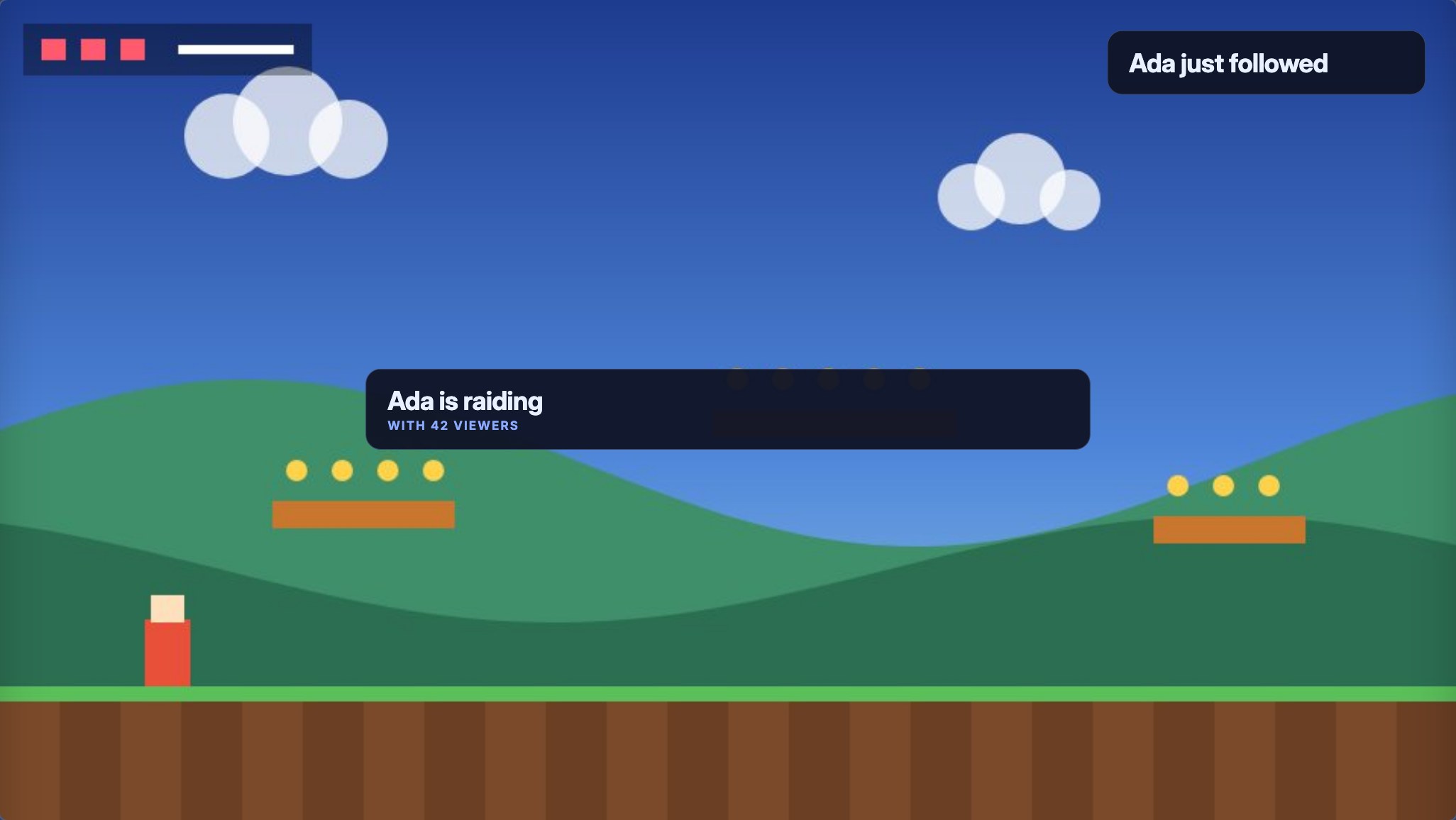
Every Twitch alert, one look
| Alert | Plays when |
|---|---|
| Follow | Someone follows your channel |
| Sub and resub | Someone subscribes, or shares a resub message |
| Gift sub | Someone gifts subs, one or many |
| Cheer | Someone cheers Bits |
| Raid | Another streamer raids you, with their party size |
A design is the look, words, picture and sound of an alert. It belongs to your channel, so you can place it on as many overlays as you like and change it once. Make a variation for some events, such as a different look for Tier 3 subs. Sub, gift and cheer alerts need those features on your Twitch channel; every preview and test works without them. Show alerts on stream covers each step.
Make it look like your stream
- Arrange the picture and the words, or place each part of the card freely.
- Show the viewer's avatar, or a picture or GIF from your media library.
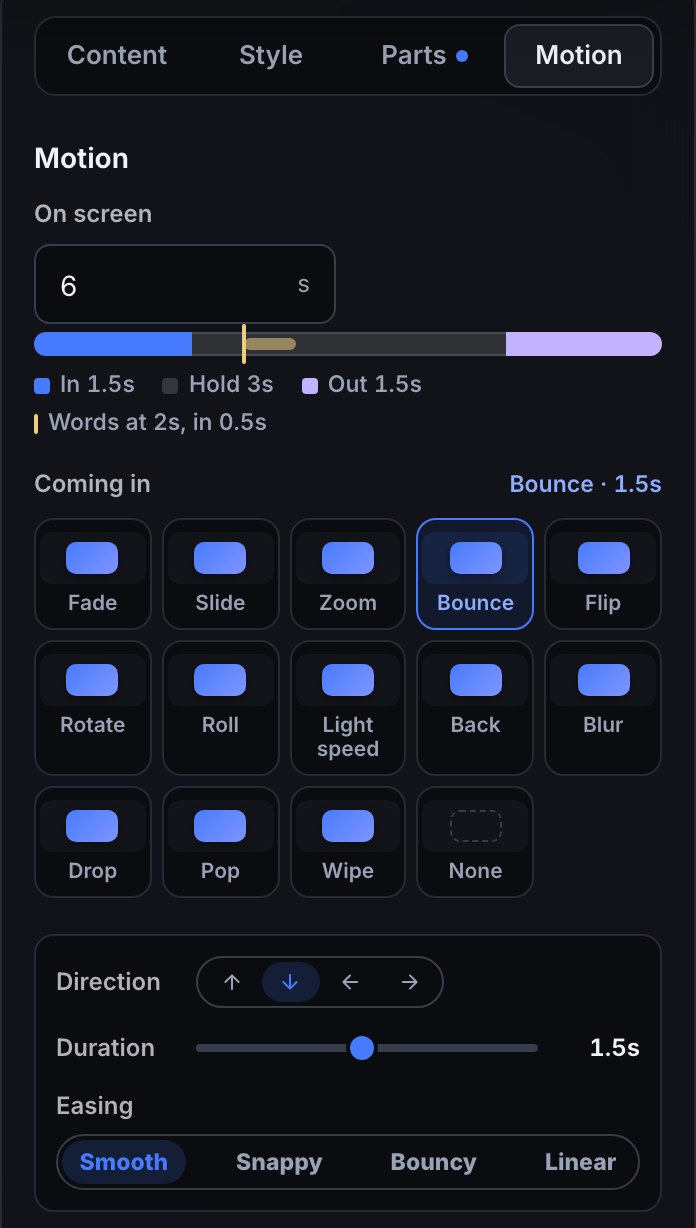
- Choose how it comes in, holds and goes out, and put a frame from your theme around it.
- Play a sound, or a short video. Every channel can upload 200 MB of media; paid plans hold more.
One queue, nothing talks over anything
Every alert, and every sound or video your flows play, waits in one queue and plays one at a time. While you're live, the Live page shows what's playing and what's next, with Skip, Pause, Replay and Clear. Your moderators can have the same controls from chat, such as a !skipalert command. An alert that waited ten minutes is dropped rather than shown late.
Test it before anyone follows
Preview an alert on the editor's canvas, or press Test on stream… to play it in OBS for real, in your queue, without posting anything to chat. You see whether it played or how many alerts are ahead of it. Test it explains each test.
Common questions
Are the alerts free? Yes. Alerts, the alert queue and the steps that drive them come with every channel. See what your plan includes.
Do I need to keep an app open? Only OBS. Alerts are part of an overlay Bloopbot hosts, added to OBS as one Browser Source: Add an overlay to OBS.
Can an alert do more than show a card? Yes. Alerts are played by flows, so a raid can also post a shoutout, a follow can bump a goal bar, and a sub can play a sound only for Tier 3. See Twitch overlays for what else can react on screen.
Put your first alert on stream.
Sign in with Twitch and Pebble walks you through your first alert, from the design to a test in OBS.